
Move from rough prompts to client-ready visuals with
Nano Banana Pro
Nano Banana Pro is built for creators and teams who need tighter prompt adherence, stronger visual consistency, and cleaner final output. Use it for text-to-image, image-to-image, and up to 10 reference images across product shots, character work, ad creative, cover art, and social assets.

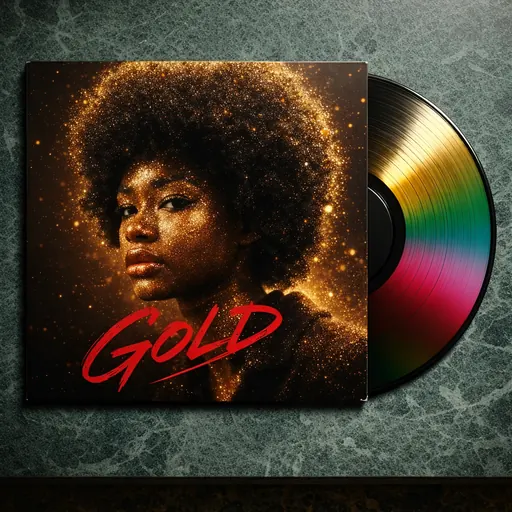

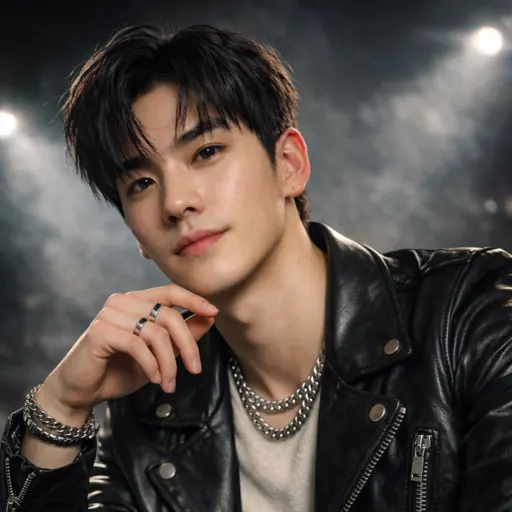

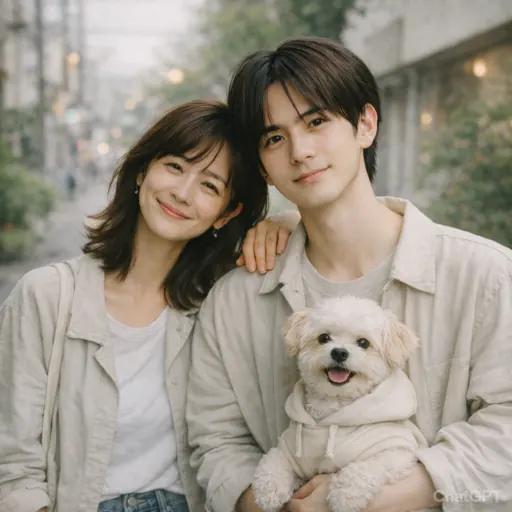
Your Nano Banana Pro results will appear here after generation
Nano Banana Pro Use Cases
Browse examples across characters, product imagery, ecommerce assets, poster-style scenes, and stylized edits to see how Nano Banana Pro handles detail, consistency, and reference control.
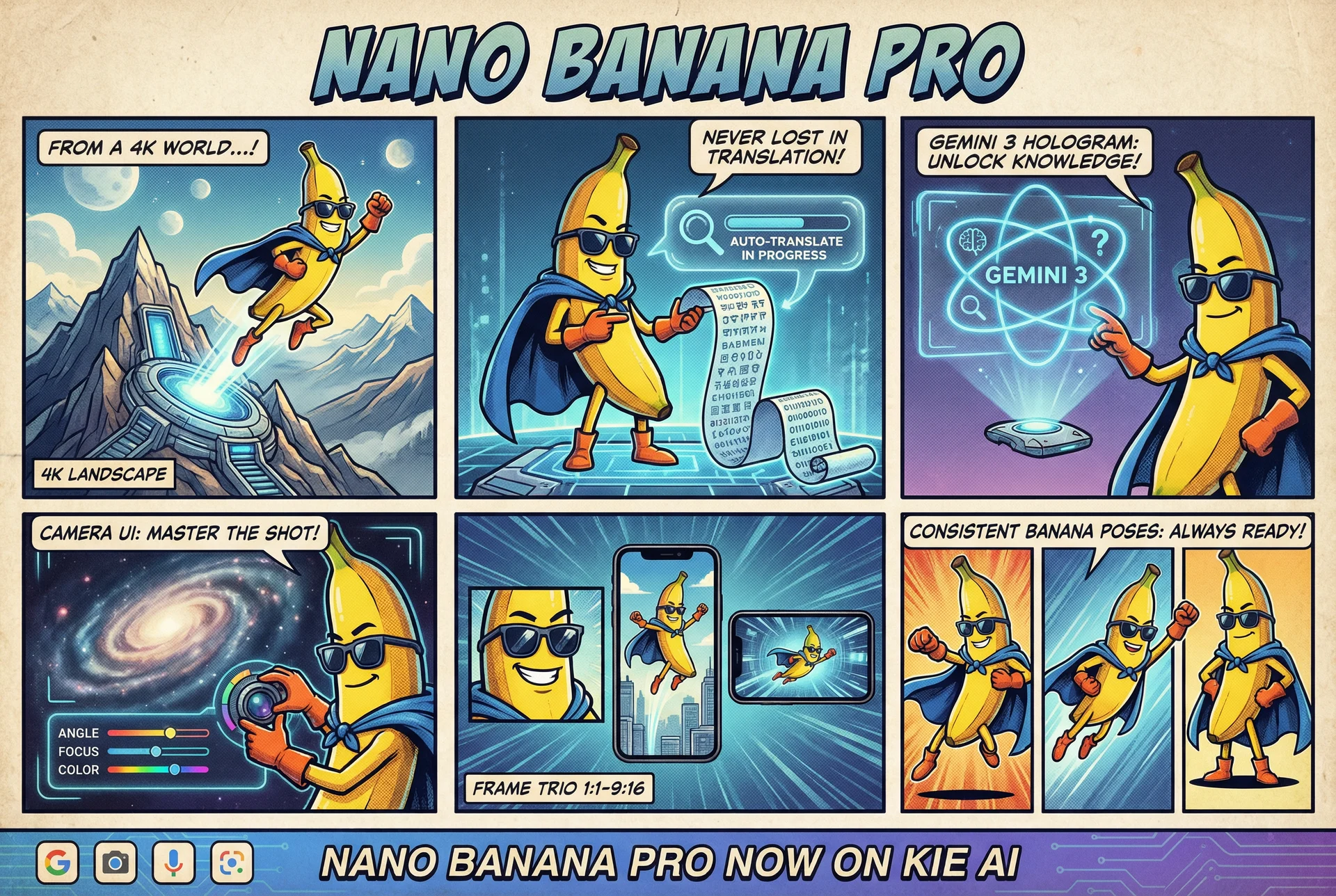
Futuristic banana android admiring a neon skyline rendered in cinematic lighting
Prompt 1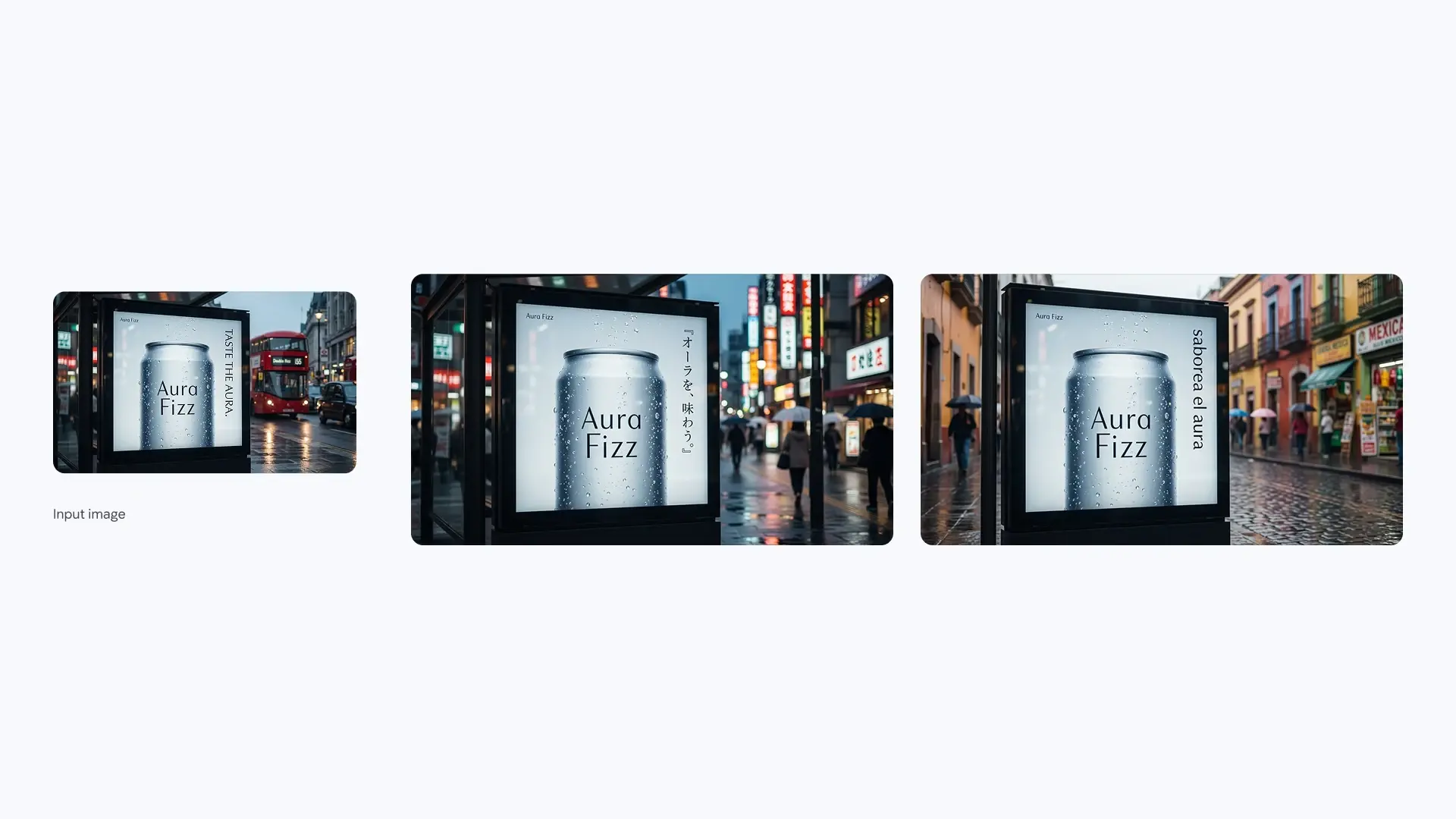
Energetic mascot banana sprinting across a digital arena made of glowing circuitry
Prompt 2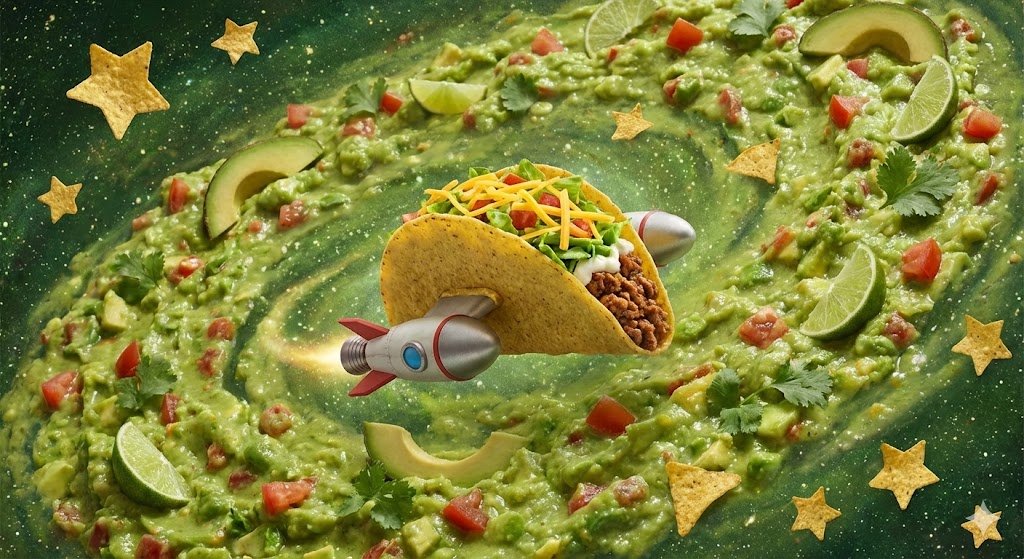
Nano Banana Pro sample 3
Prompt 3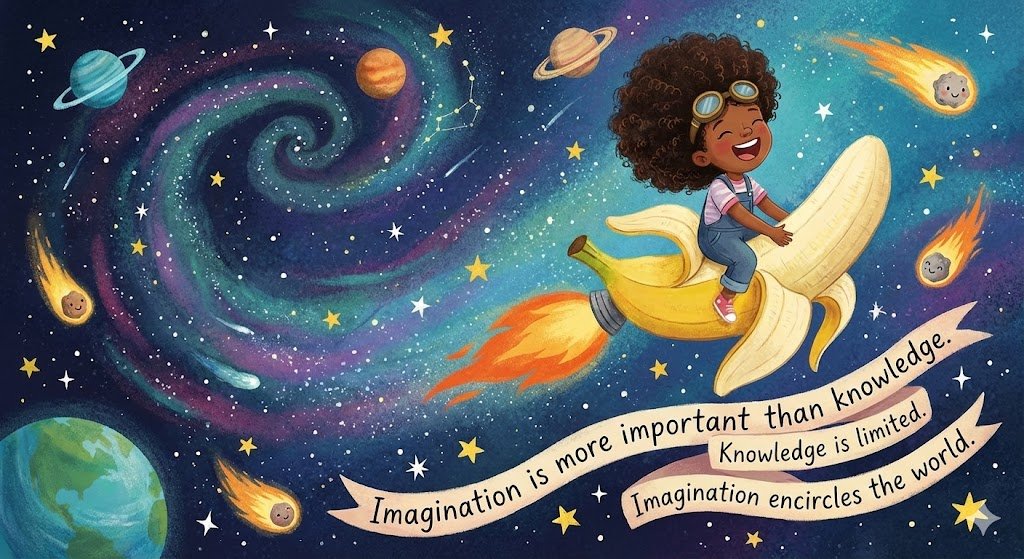
Nano Banana Pro sample 4
Prompt 4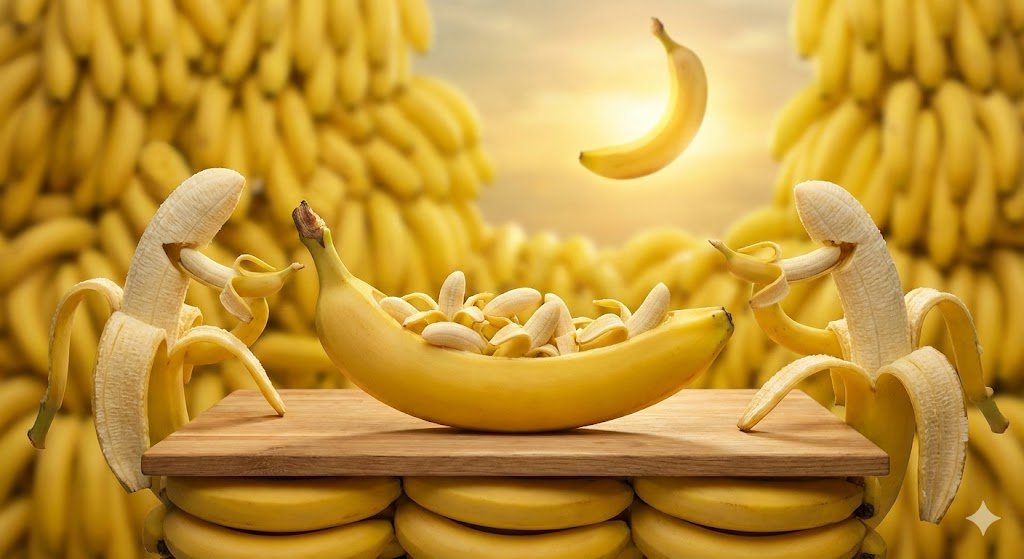
Nano Banana Pro sample 5
Prompt 5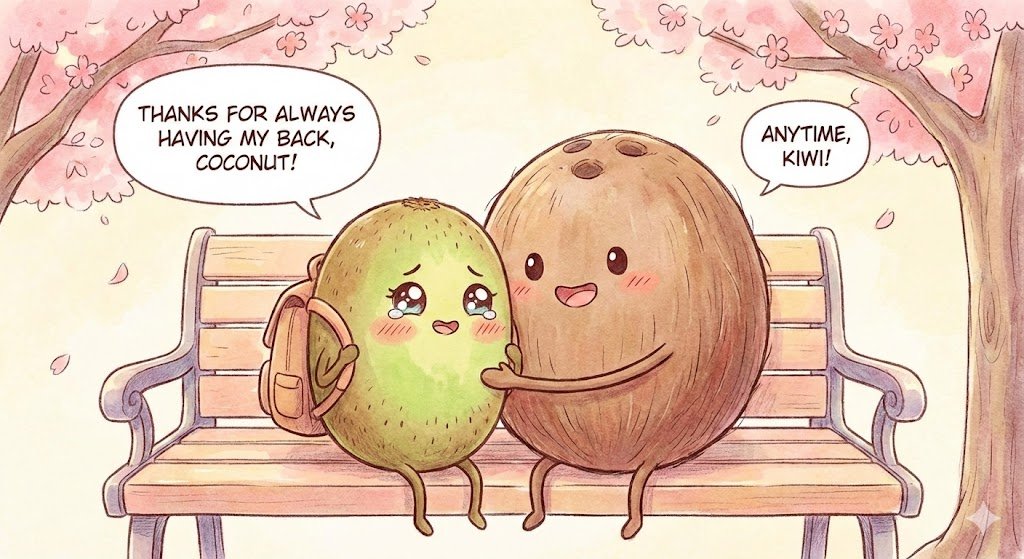
Nano Banana Pro sample 6
Prompt 6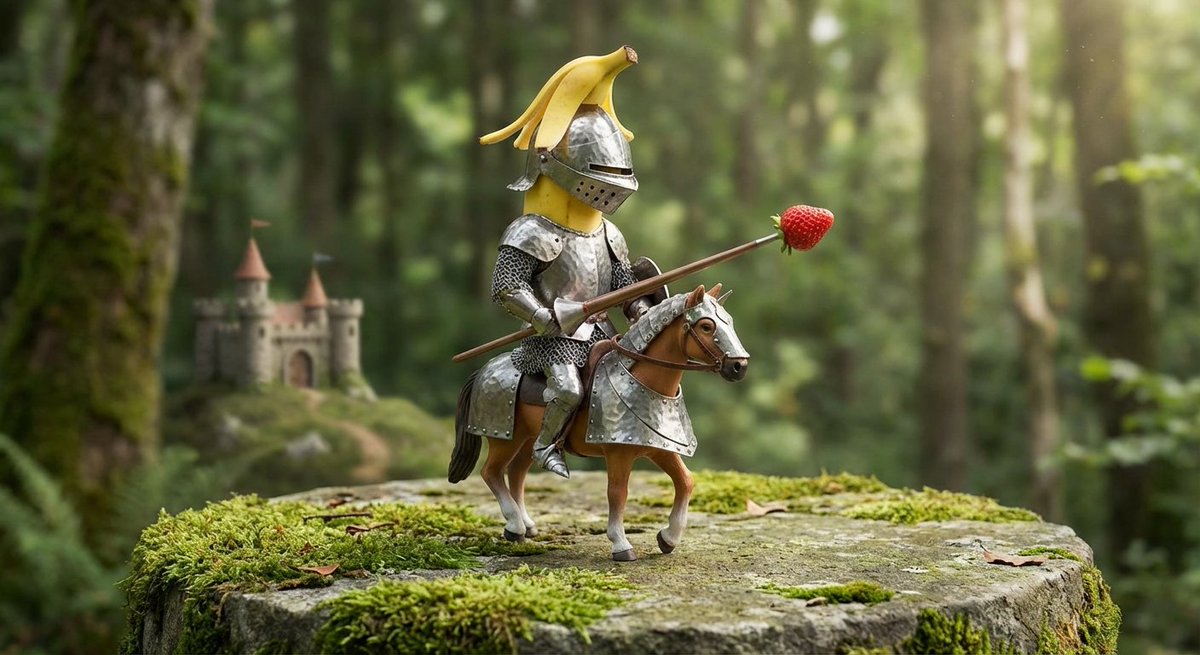
Nano Banana Pro sample 7
Prompt 7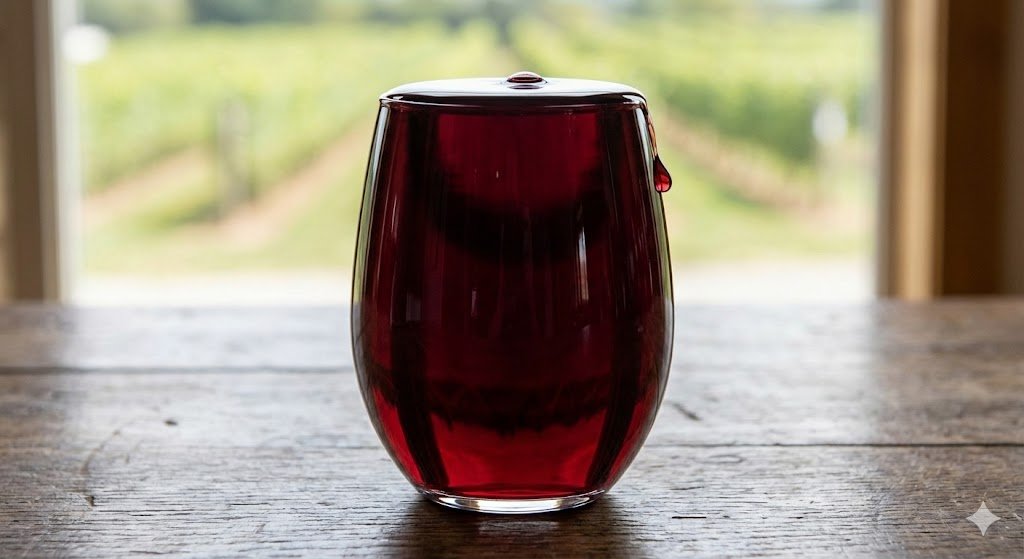
Nano Banana Pro sample 8
Prompt 8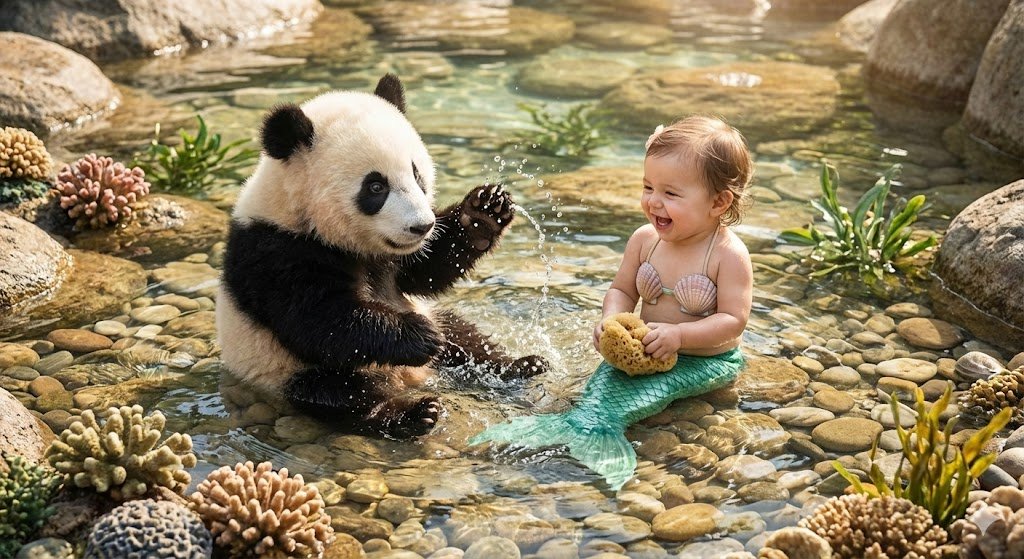
Nano Banana Pro sample 9
Prompt 9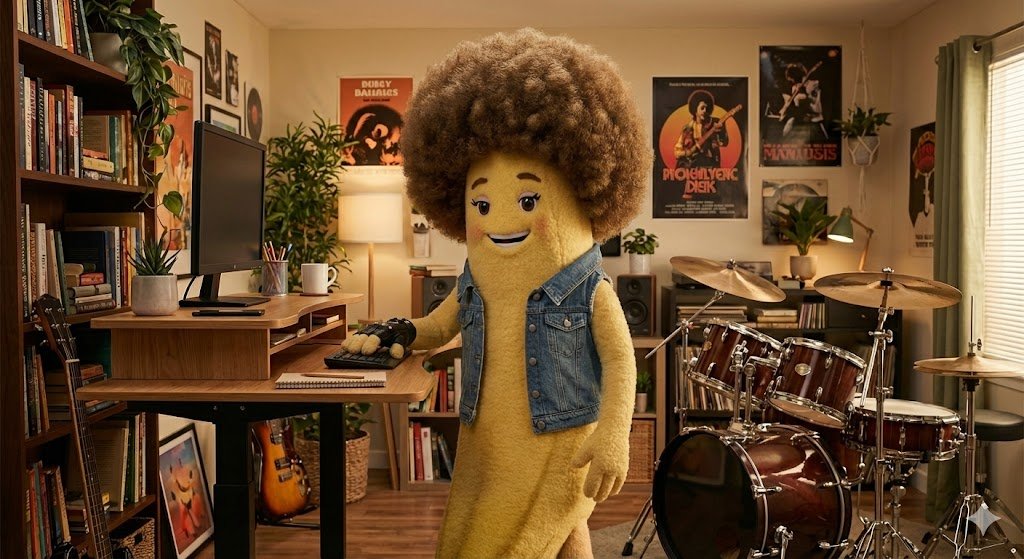
Nano Banana Pro sample 10
Prompt 10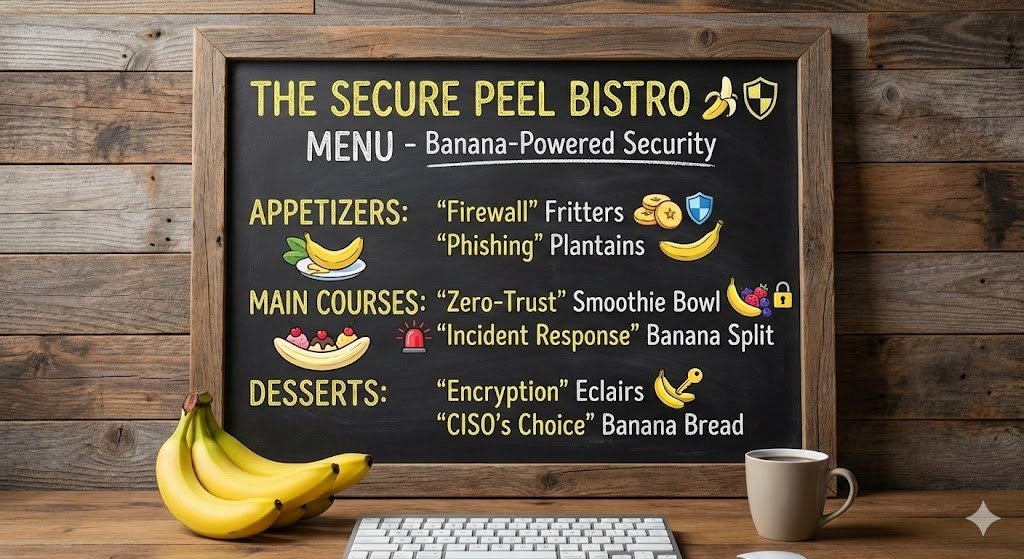
Nano Banana Pro sample 11
Prompt 11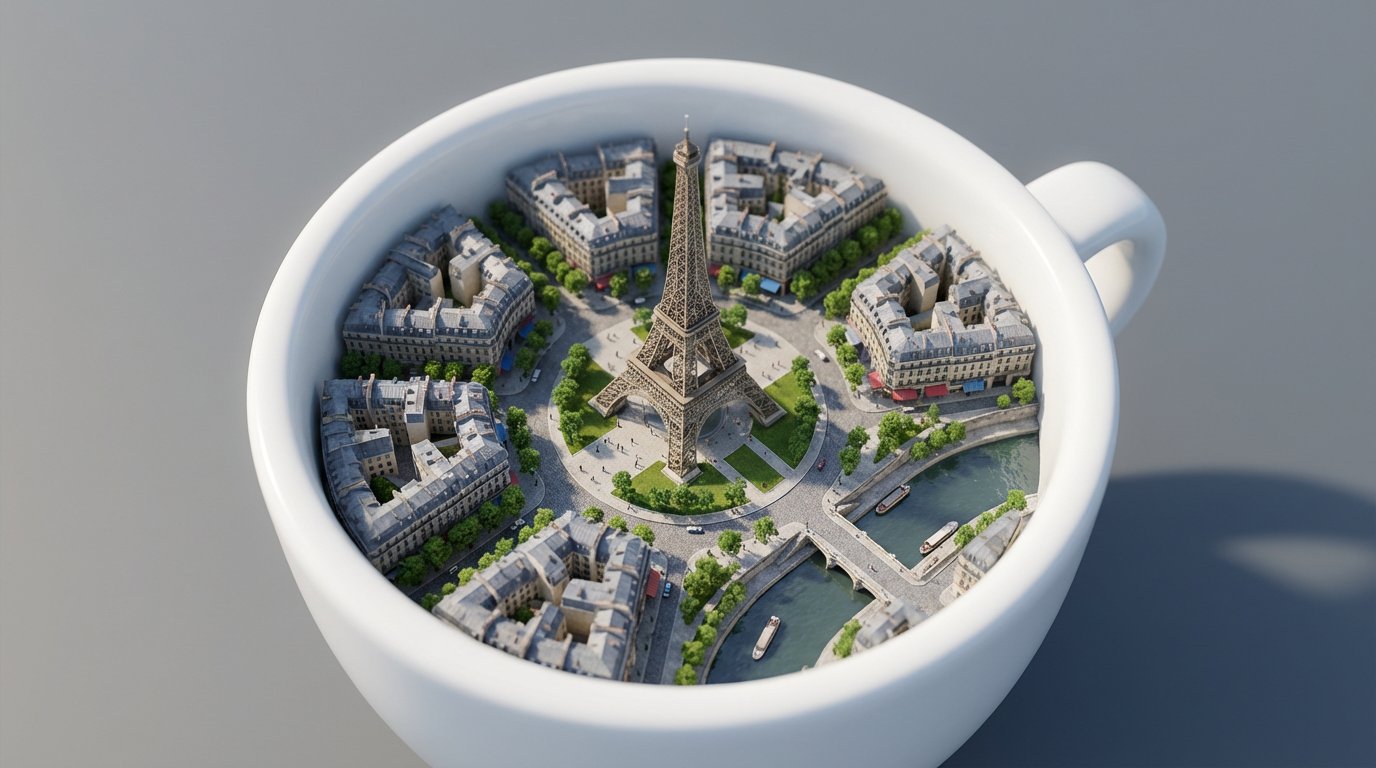
Nano Banana Pro sample 12
Prompt 12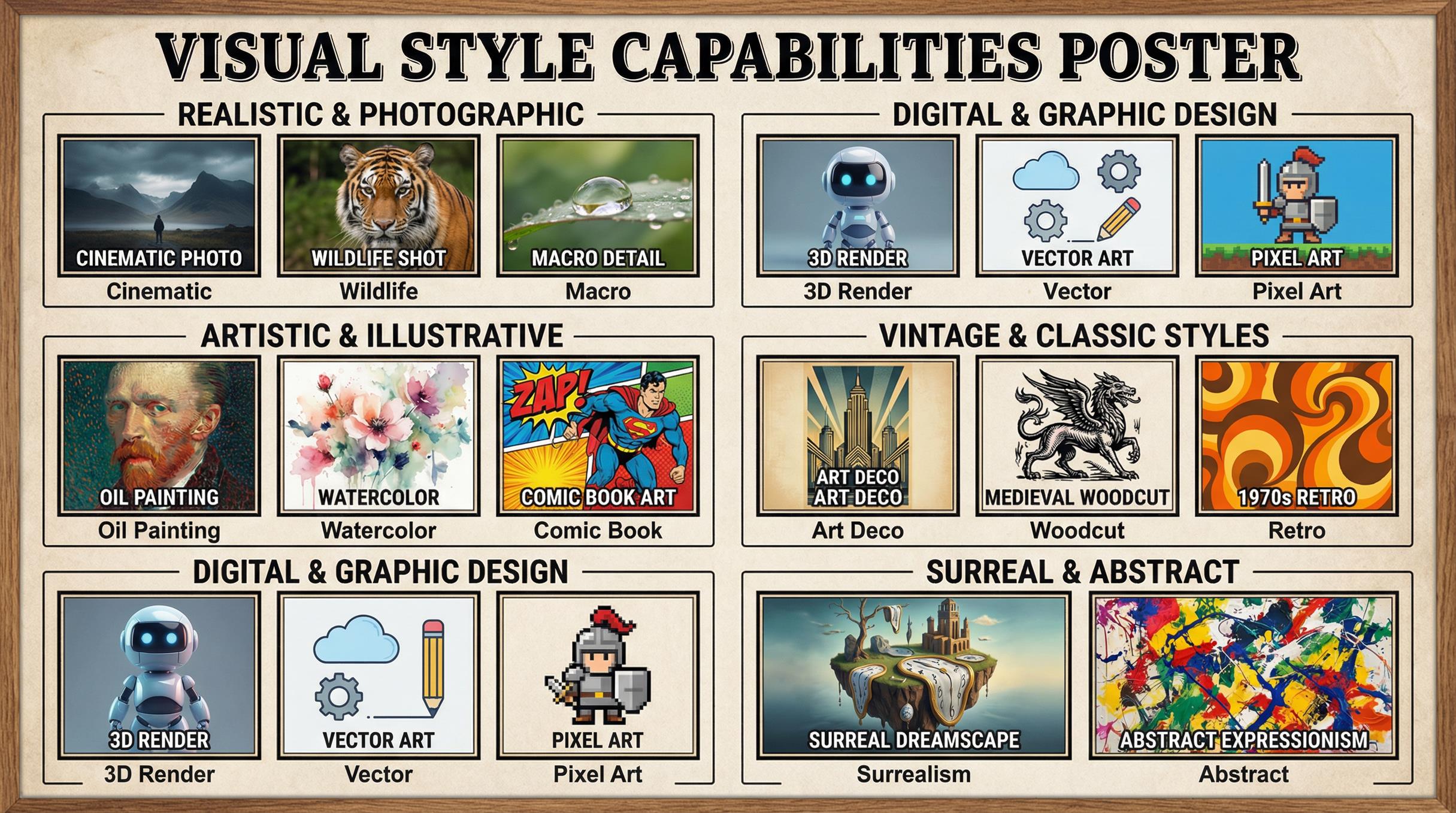
Nano Banana Pro sample 13
Prompt 13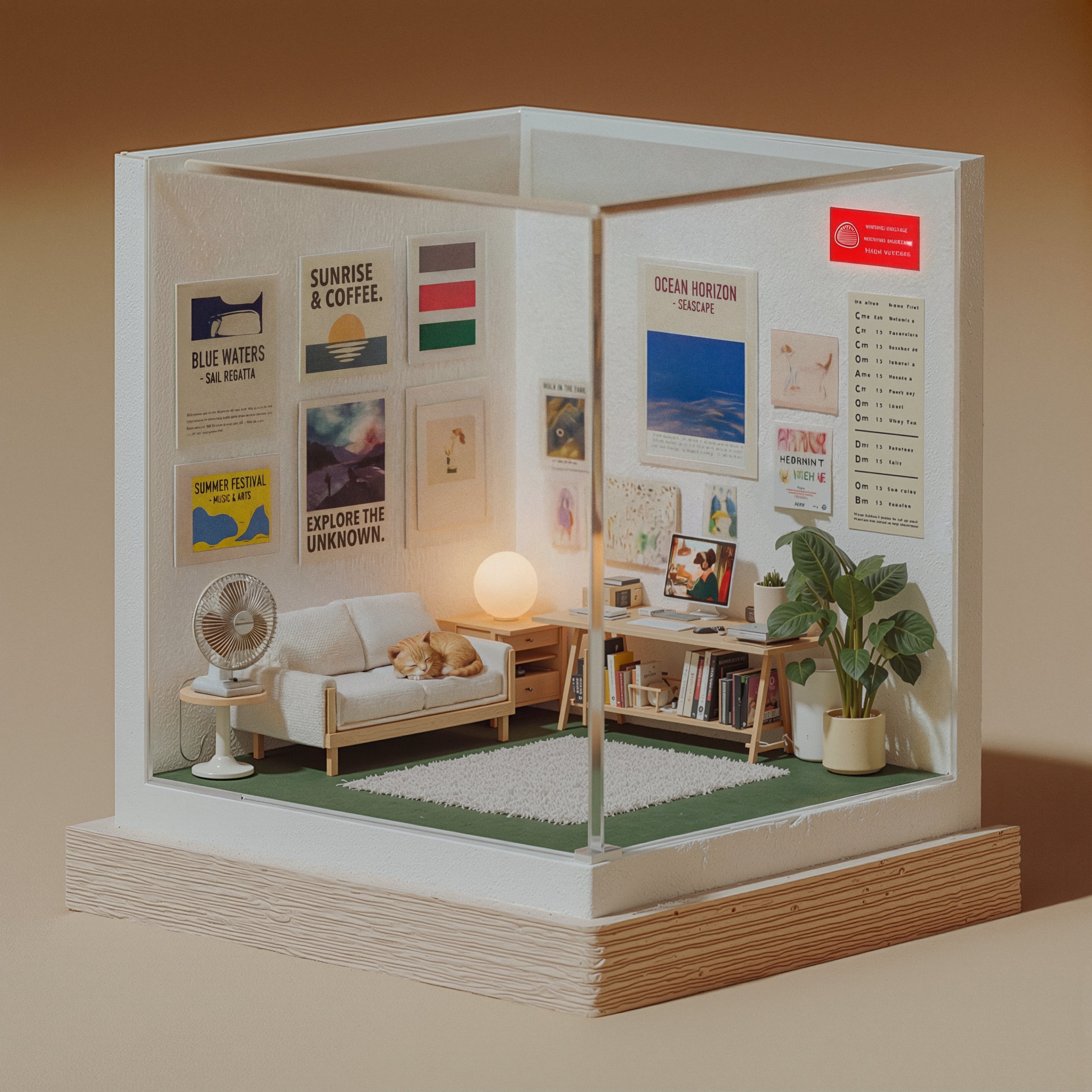
Nano Banana Pro sample 14
Prompt 14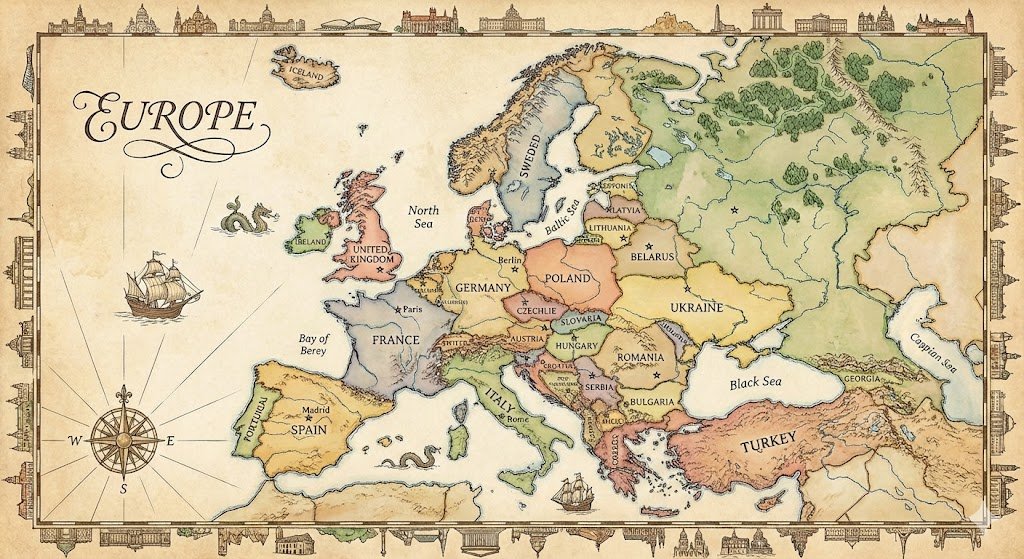
Nano Banana Pro sample 15
Prompt 15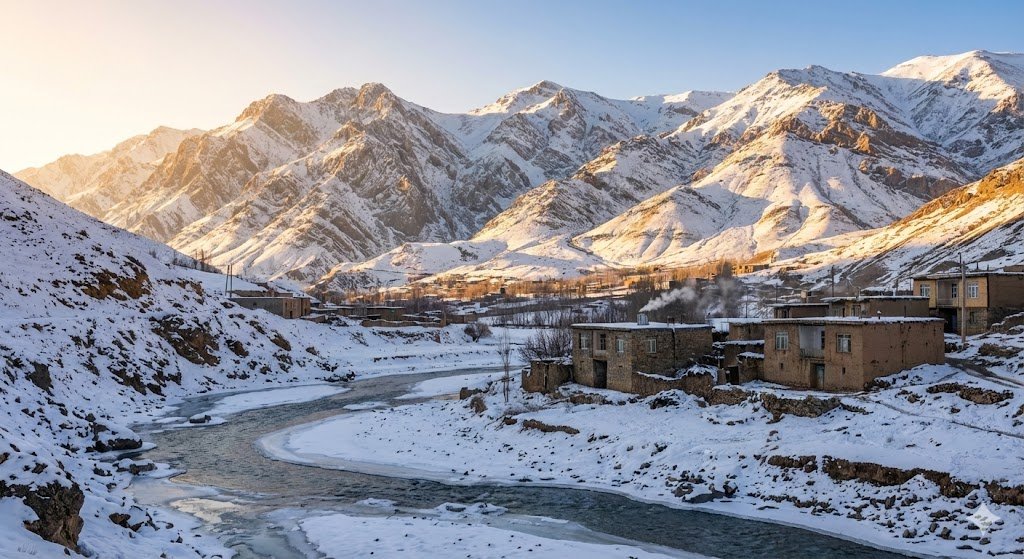
Nano Banana Pro sample 16
Prompt 16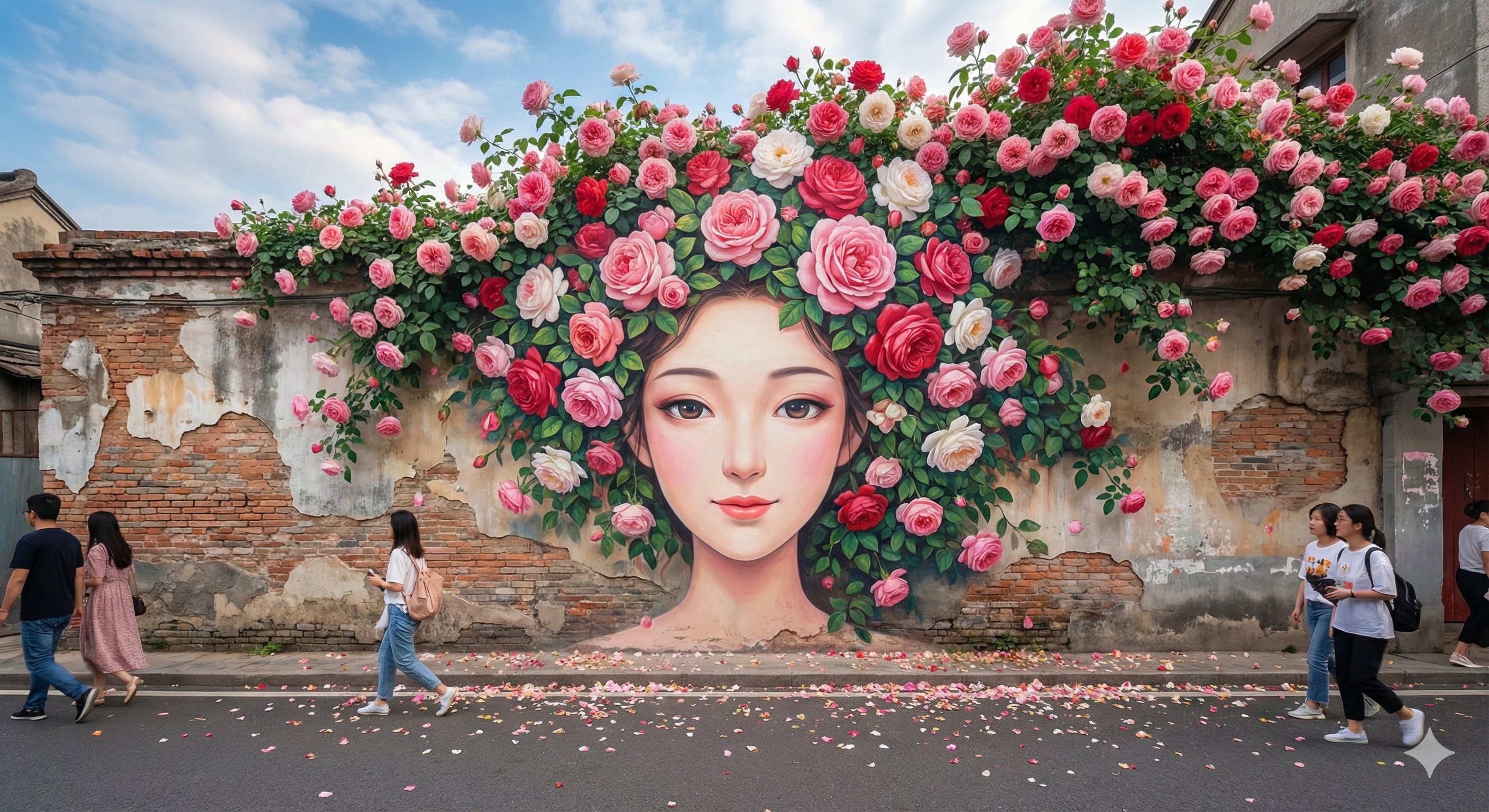
Nano Banana Pro sample 17
Prompt 17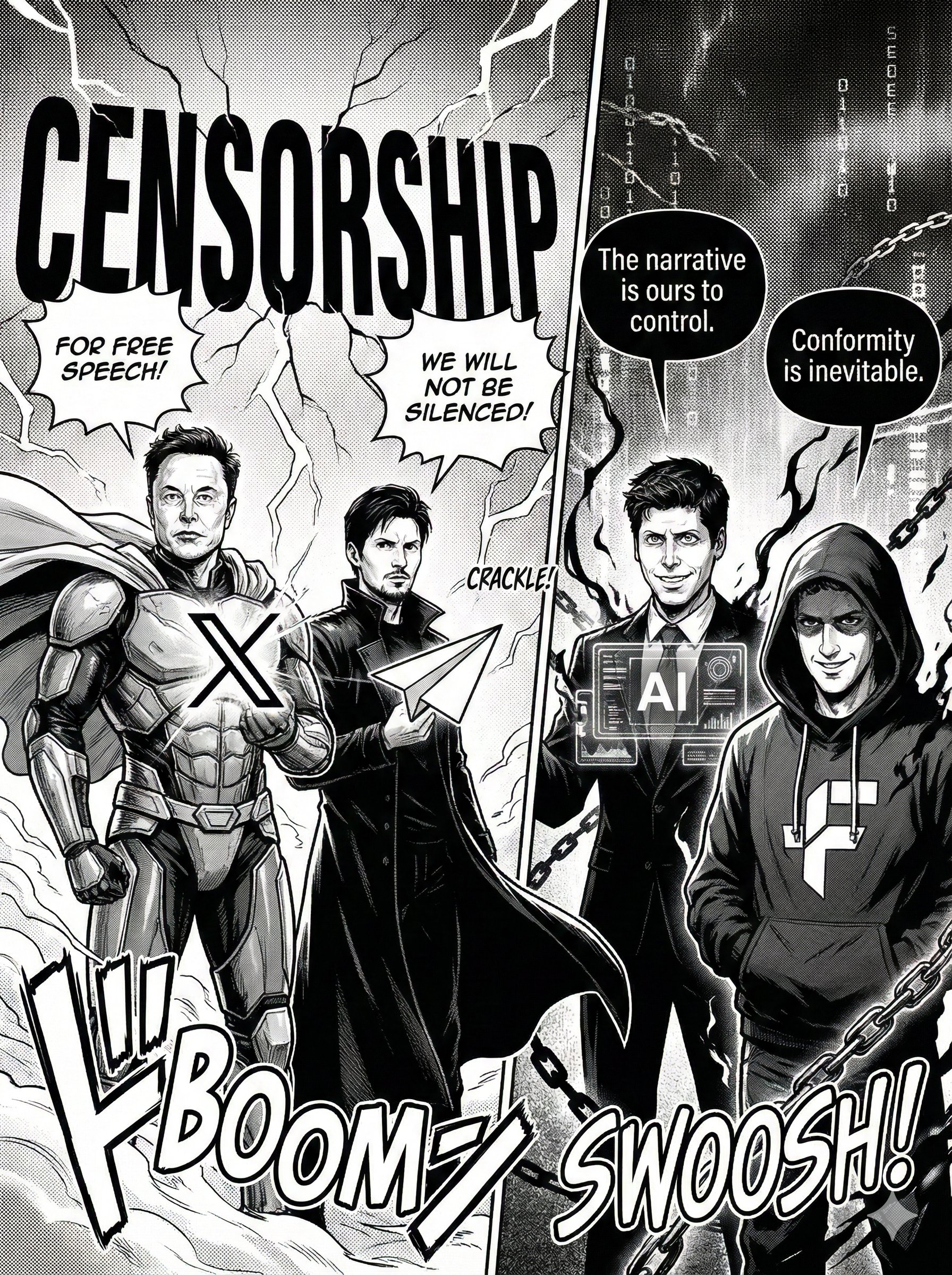
Nano Banana Pro sample 18
Prompt 18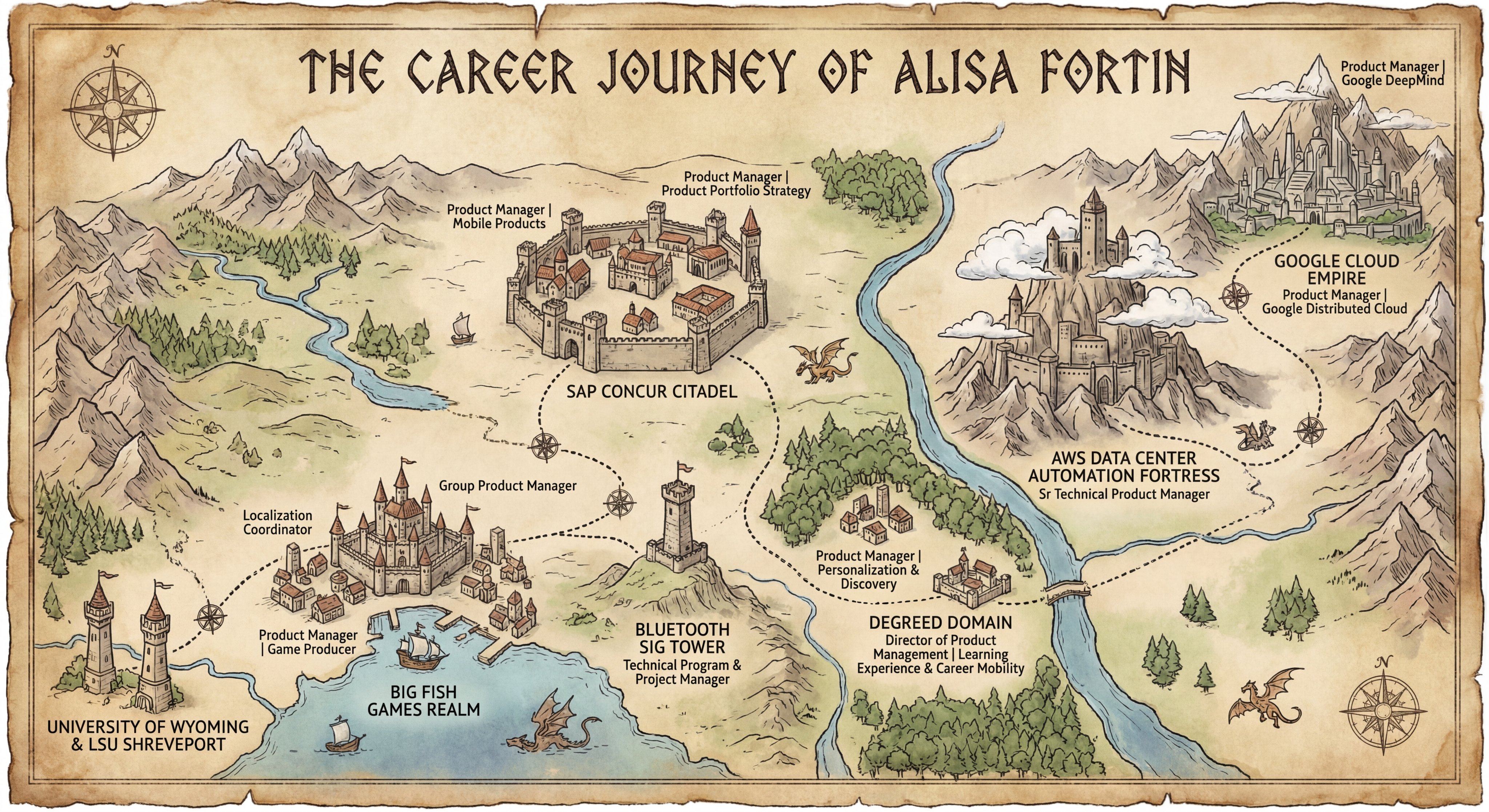
Nano Banana Pro sample 19
Prompt 19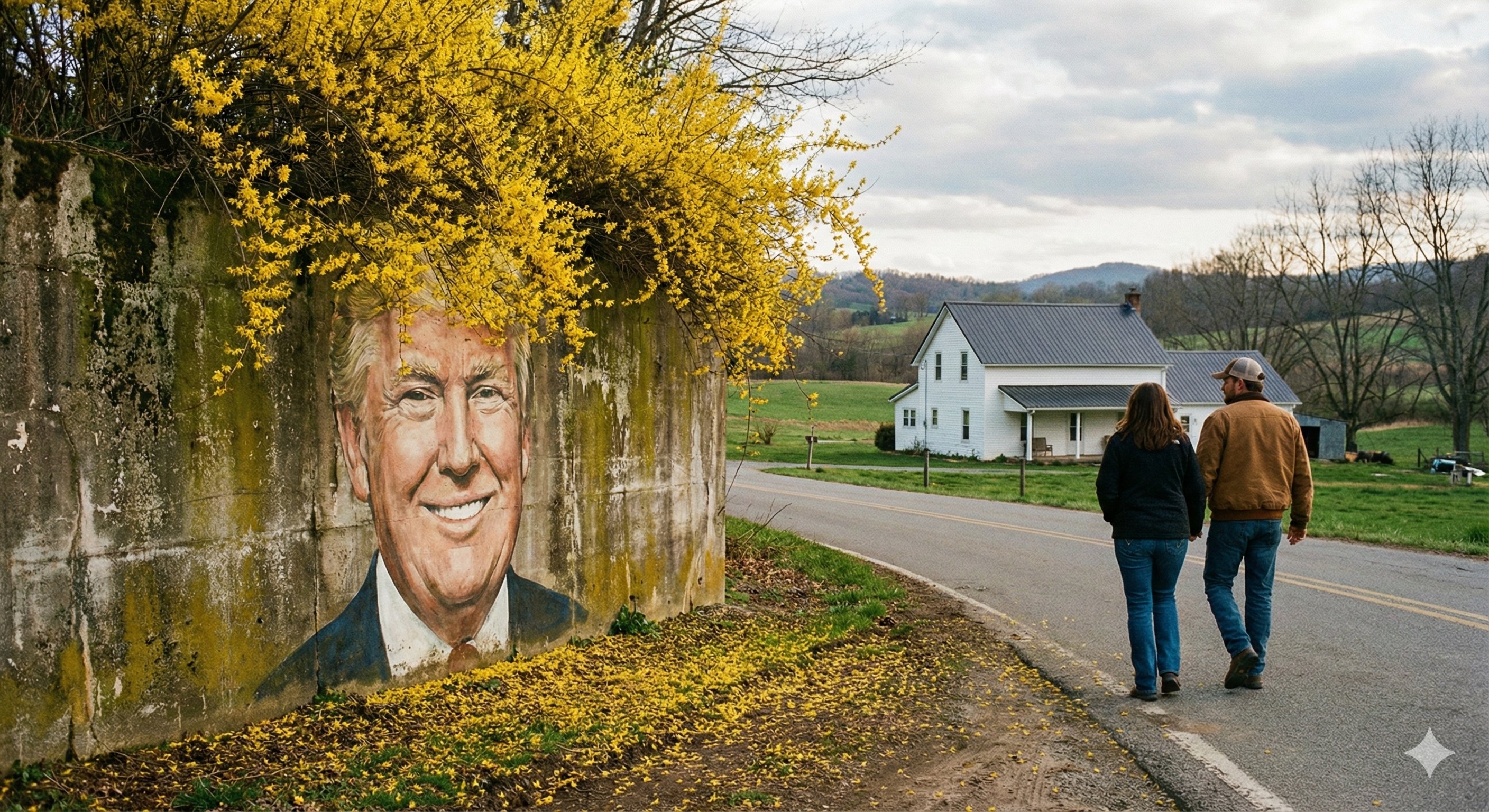
Nano Banana Pro sample 20
Prompt 20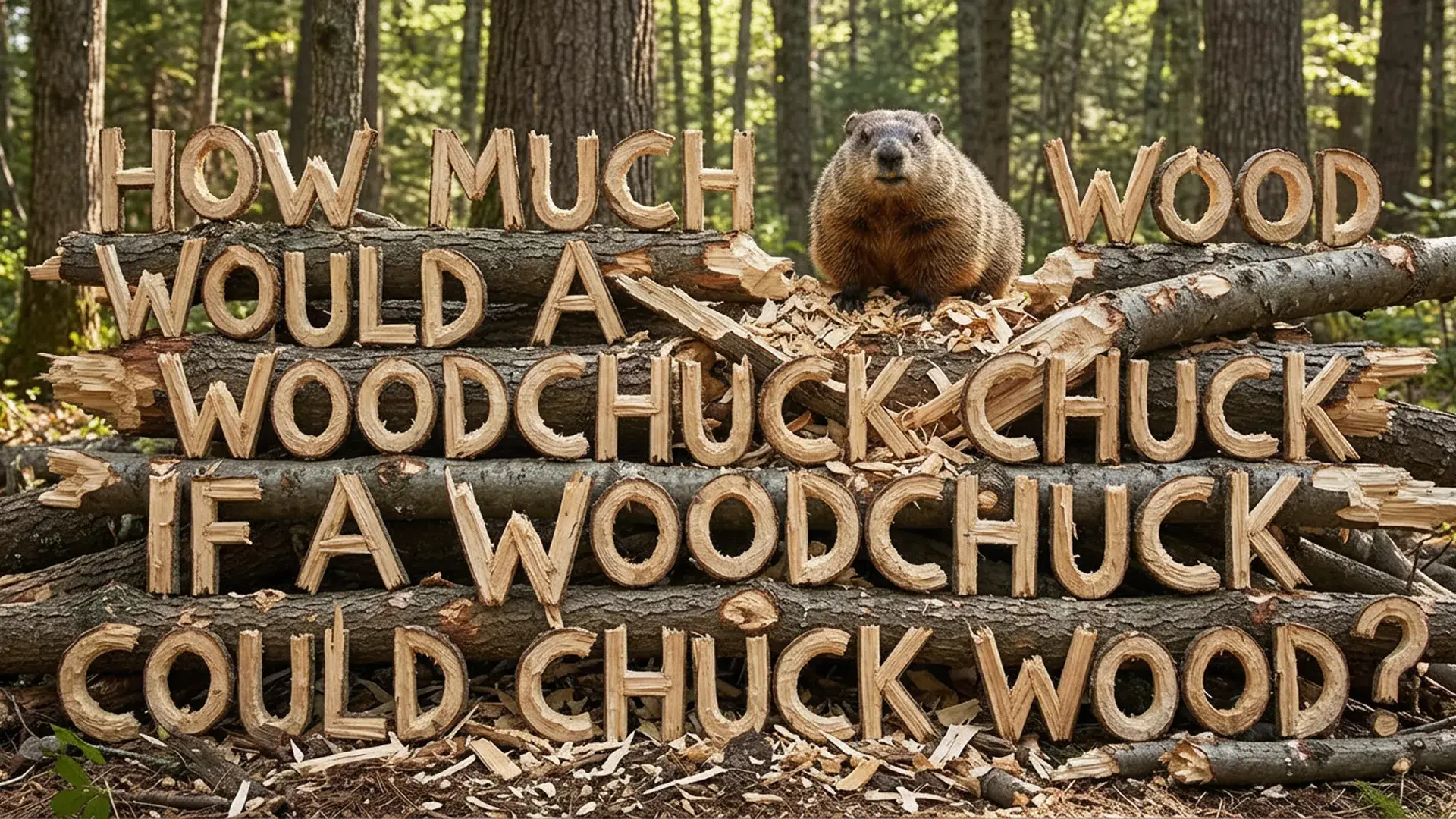
Stylish banana heroine posing beside holographic UI panels inside a control room
Prompt 21
Banana astronaut planting a glowing flag on a distant planet with aurora filled skies
Prompt 22
Concept art of Nano Banana Pro control hub with floating UI tiles and energy beams
Prompt 23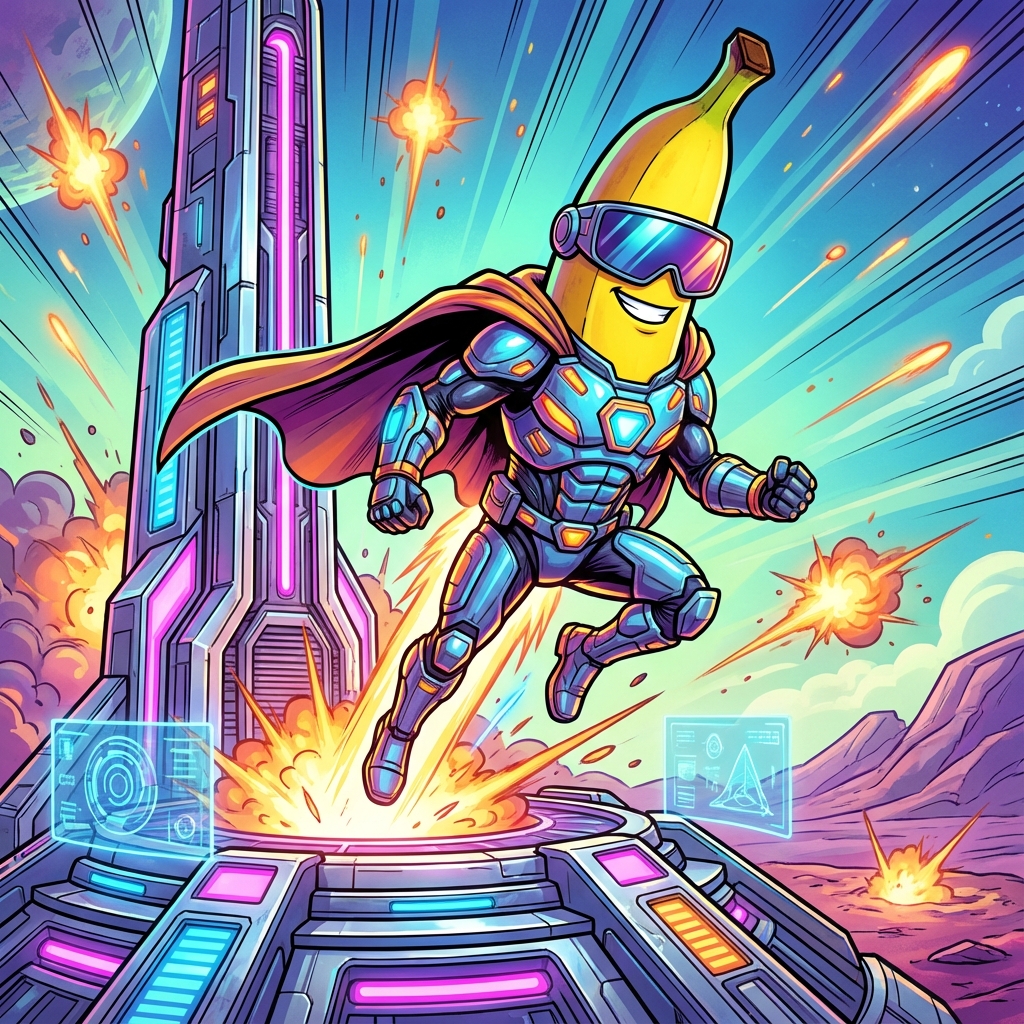
A cool banana hero wearing futuristic shades leaping from a sci-fi launch pad
Prompt 24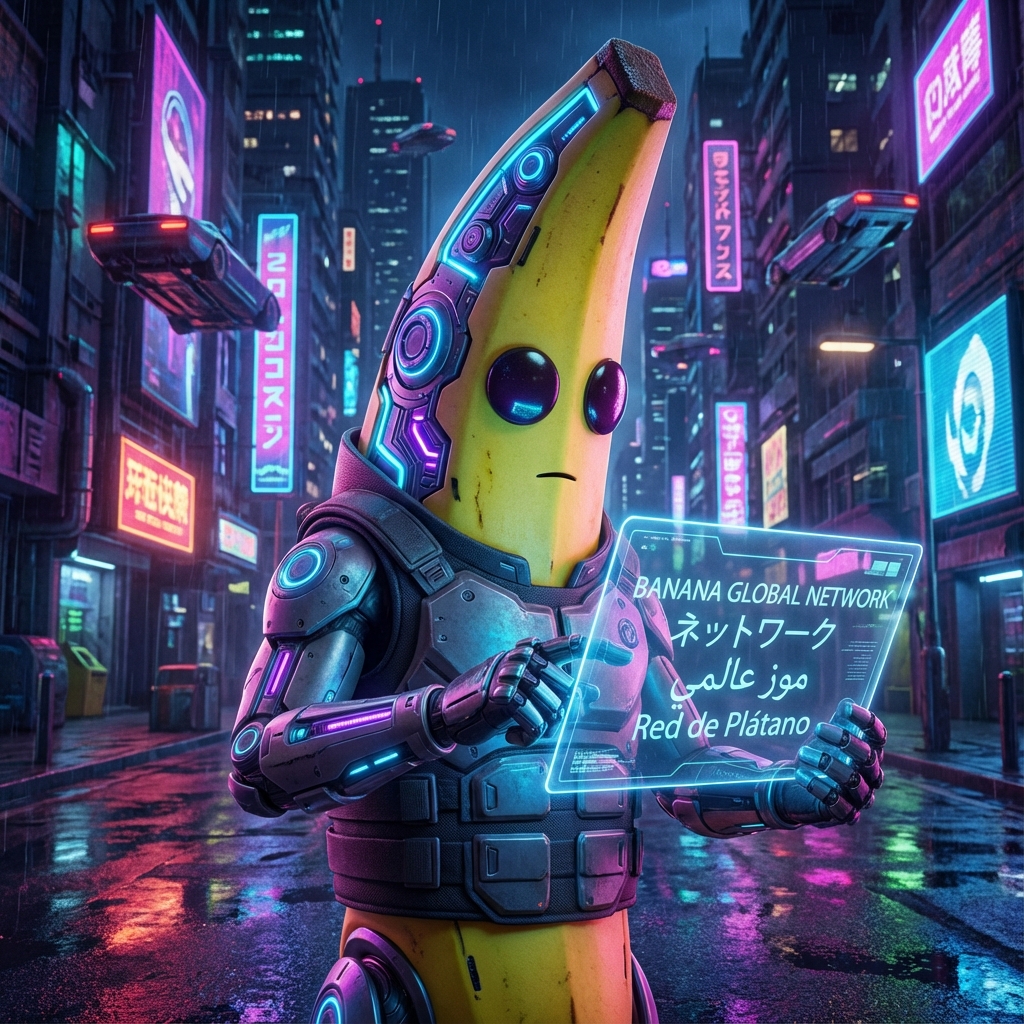
A futuristic banana character holding a holographic interface with multilingual text
Prompt 25
A banana interacting with a glowing AI brain hologram
Prompt 26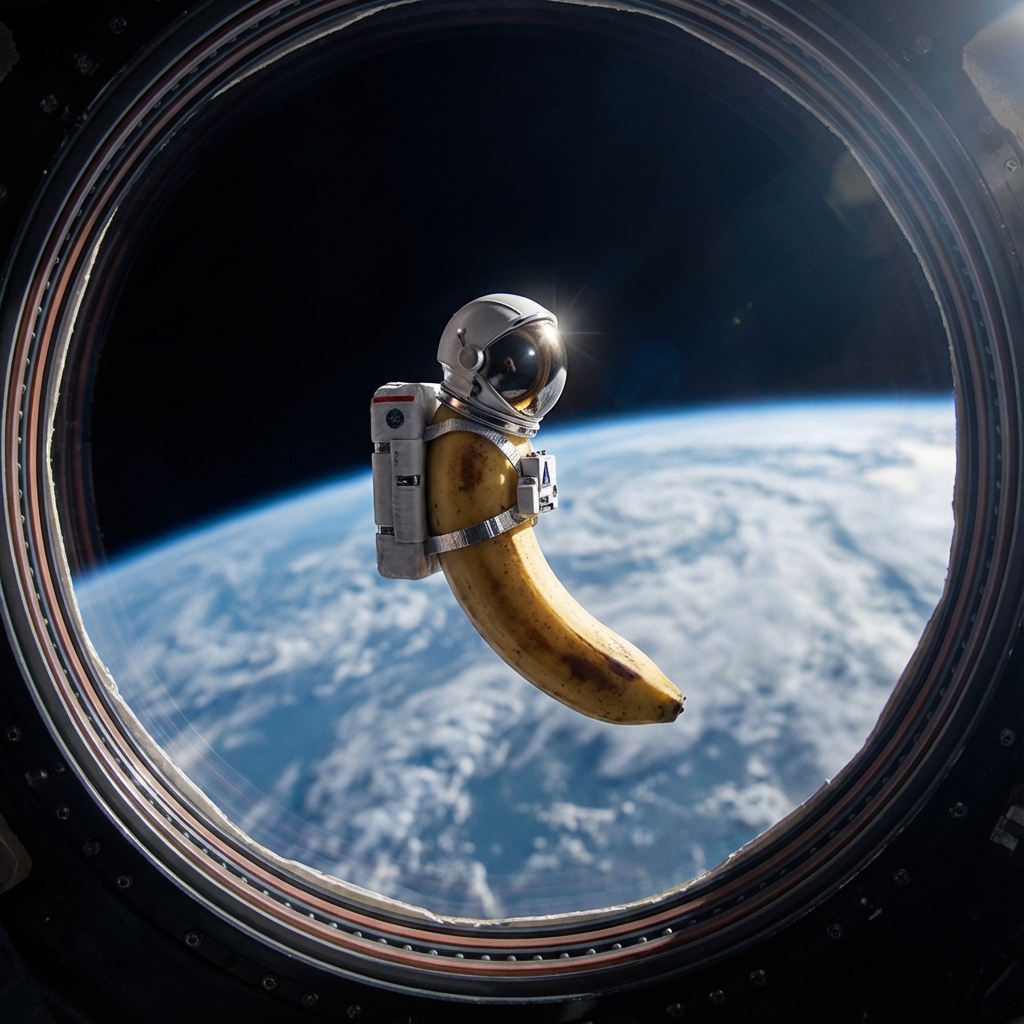
A cinematic shot of a banana in a space suit floating in zero gravity
Prompt 27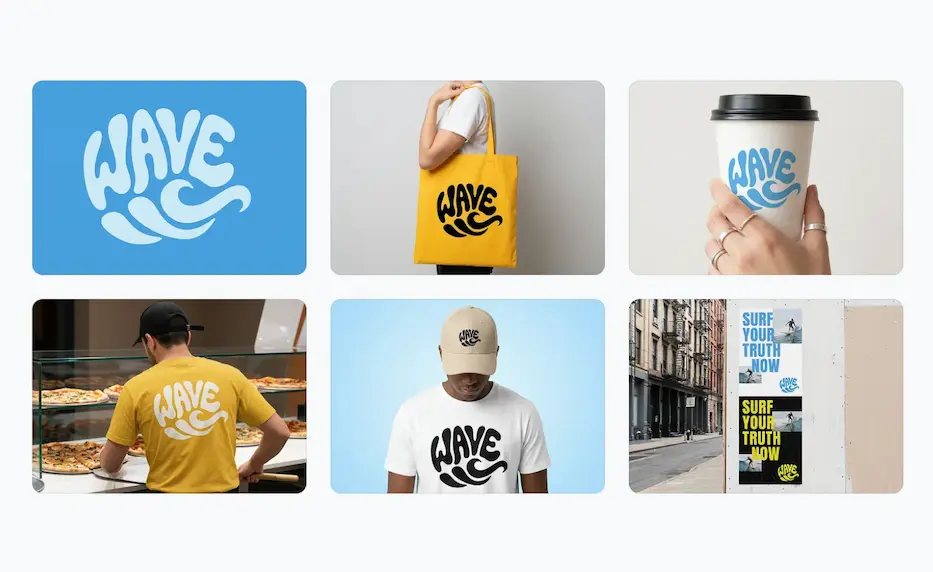
Golden banana core powering a futuristic reactor chamber with swirling particles
Prompt 28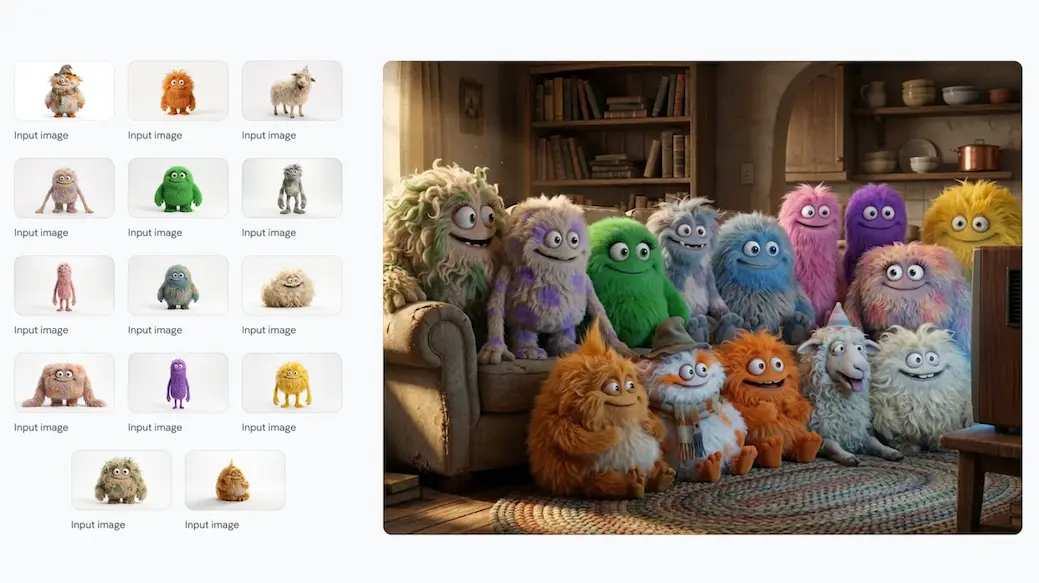
High-tech studio showcasing multiple Nano Banana Pro outputs pinned on digital boards
Prompt 29Where Nano Banana Pro fits best
If you are not looking for a rough draft but for an image you can keep iterating, hand to a team, or publish in production, Nano Banana Pro is a better fit than a faster draft-first model.
When your prompt includes subject, environment, camera direction, materials, mood, and brand constraints, Nano Banana Pro does a better job carrying those requirements into the first result.
Upload up to 10 reference images to steer character consistency, product styling, composition, and local changes with tighter control across image-to-image workflows.
Use Nano Banana Pro for cleaner assets across ad creative, thumbnails, covers, product visuals, brand imagery, and client work, with optional 4K output for paid users.
How to use Nano Banana Pro in a production workflow
Three steps to turn a brief, references, and iterations into a result that is closer to ready-to-use.
Write a brief, not just keywords
Spell out the subject, setting, camera language, lighting, style, materials, and any non-negotiable details so Nano Banana Pro starts from the right direction.
Use references to lock direction
Add reference images when you need tighter control over identity, product appearance, composition, or overall art direction.
Refine with small targeted changes
Review the first result, then adjust prompt wording, ratio, or references in smaller steps until the image reaches the quality bar you need.