
AI Image Generator
powered by GPT Image 2
Create posters, ads, UI screens, product visuals, and infographics with LensTwo. If the image needs real text, stronger layout, and more controllable editing, GPT Image 2 is the better fit.
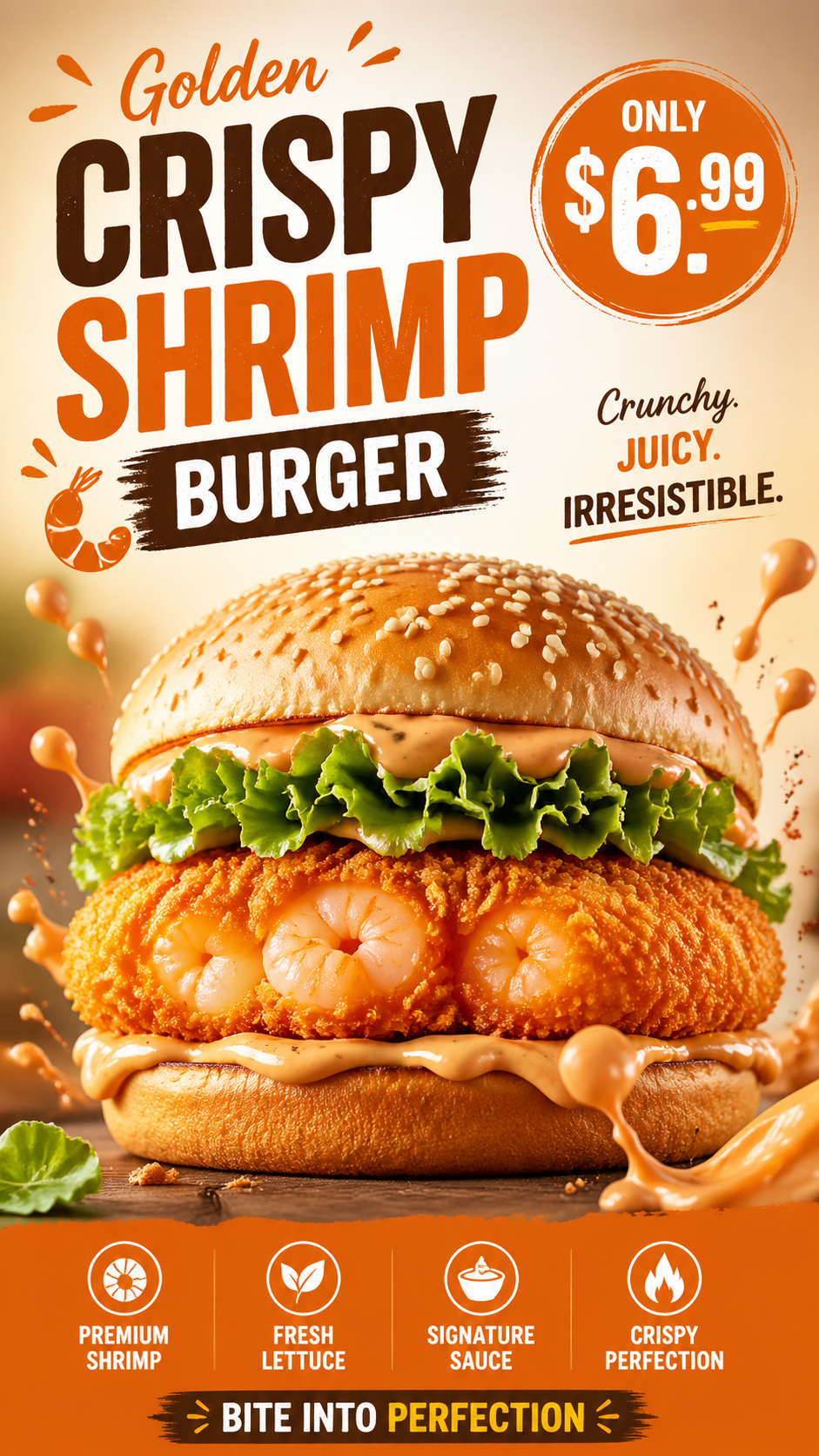
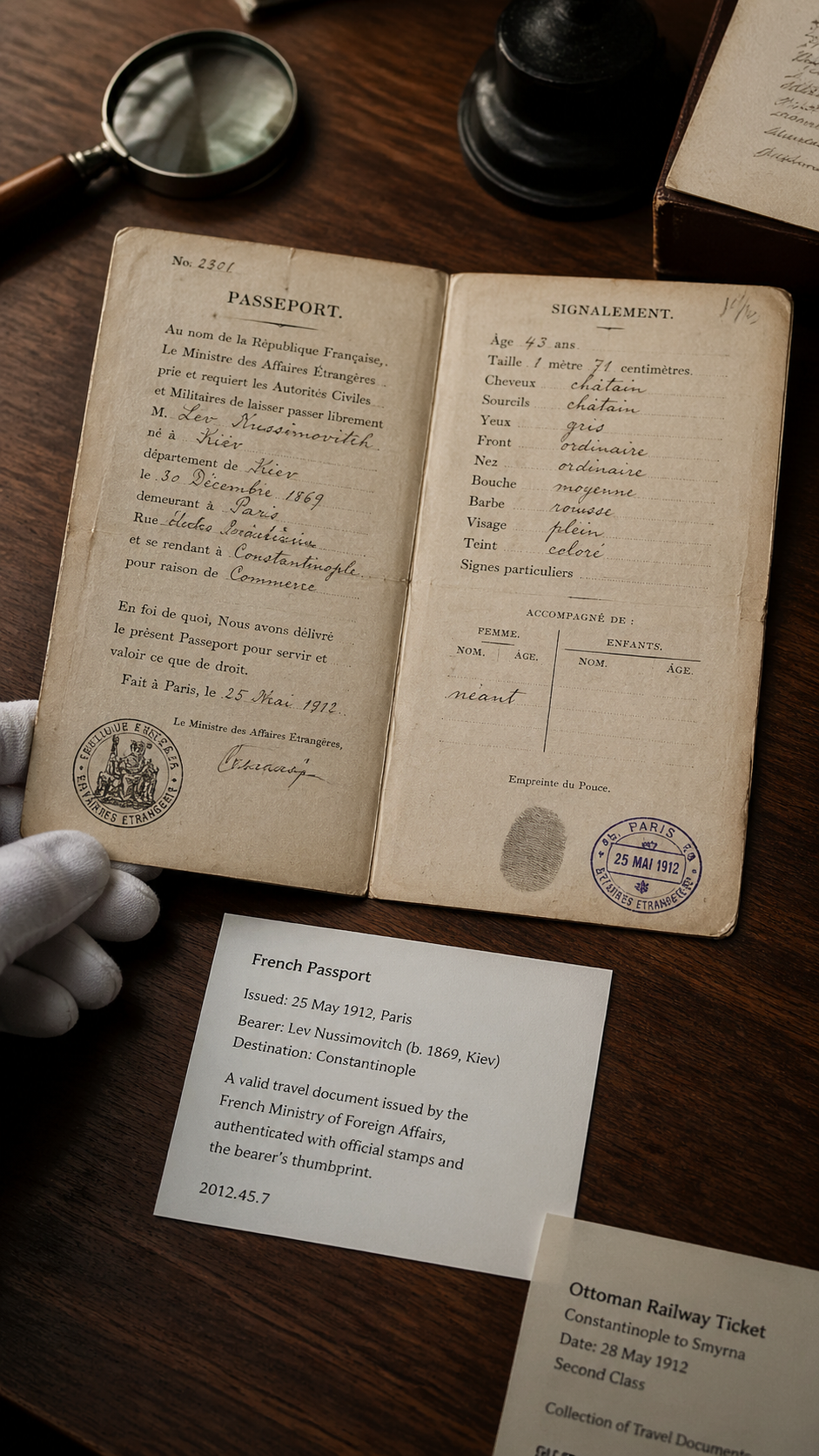
Shrimp burger ad poster
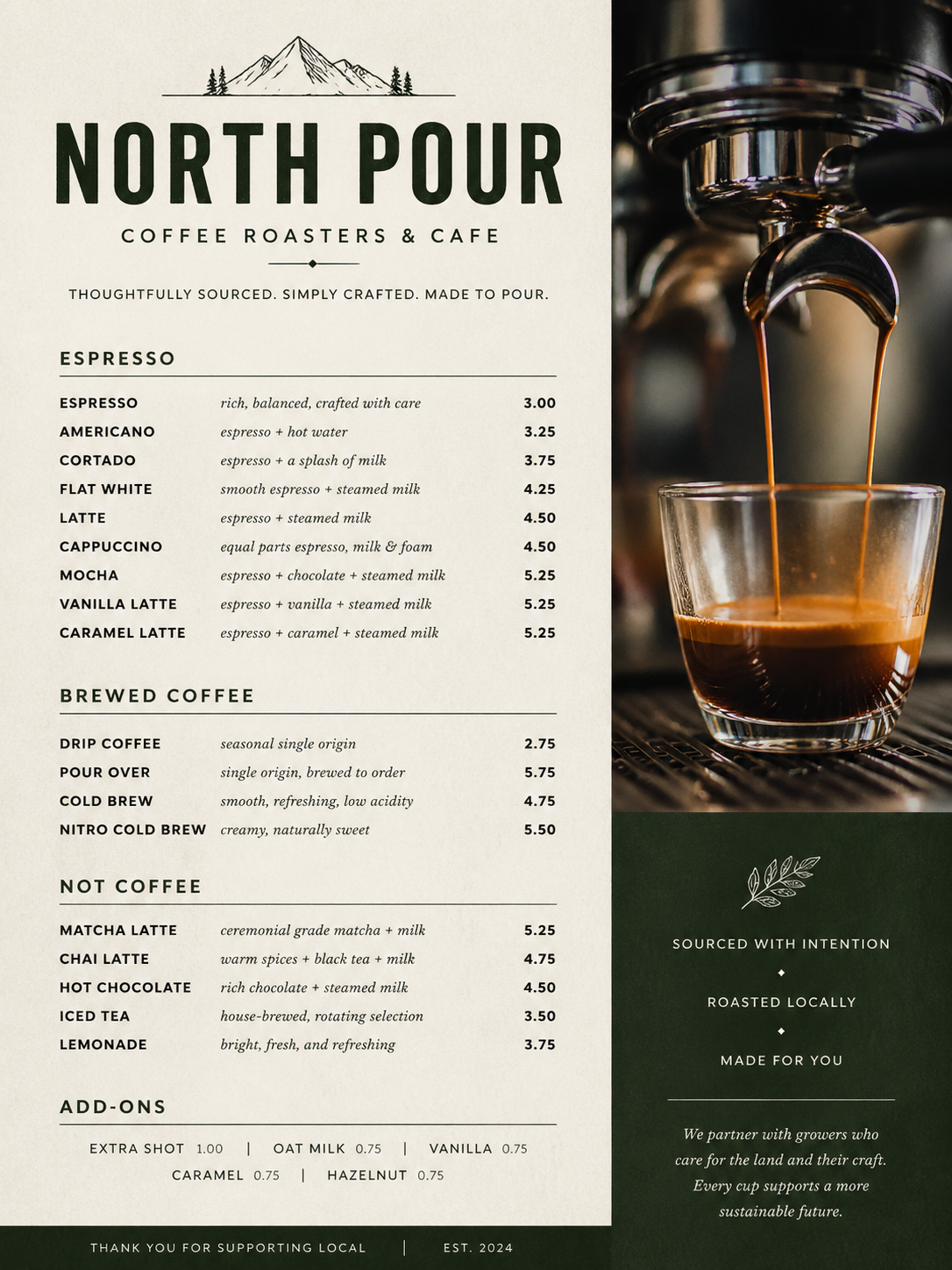
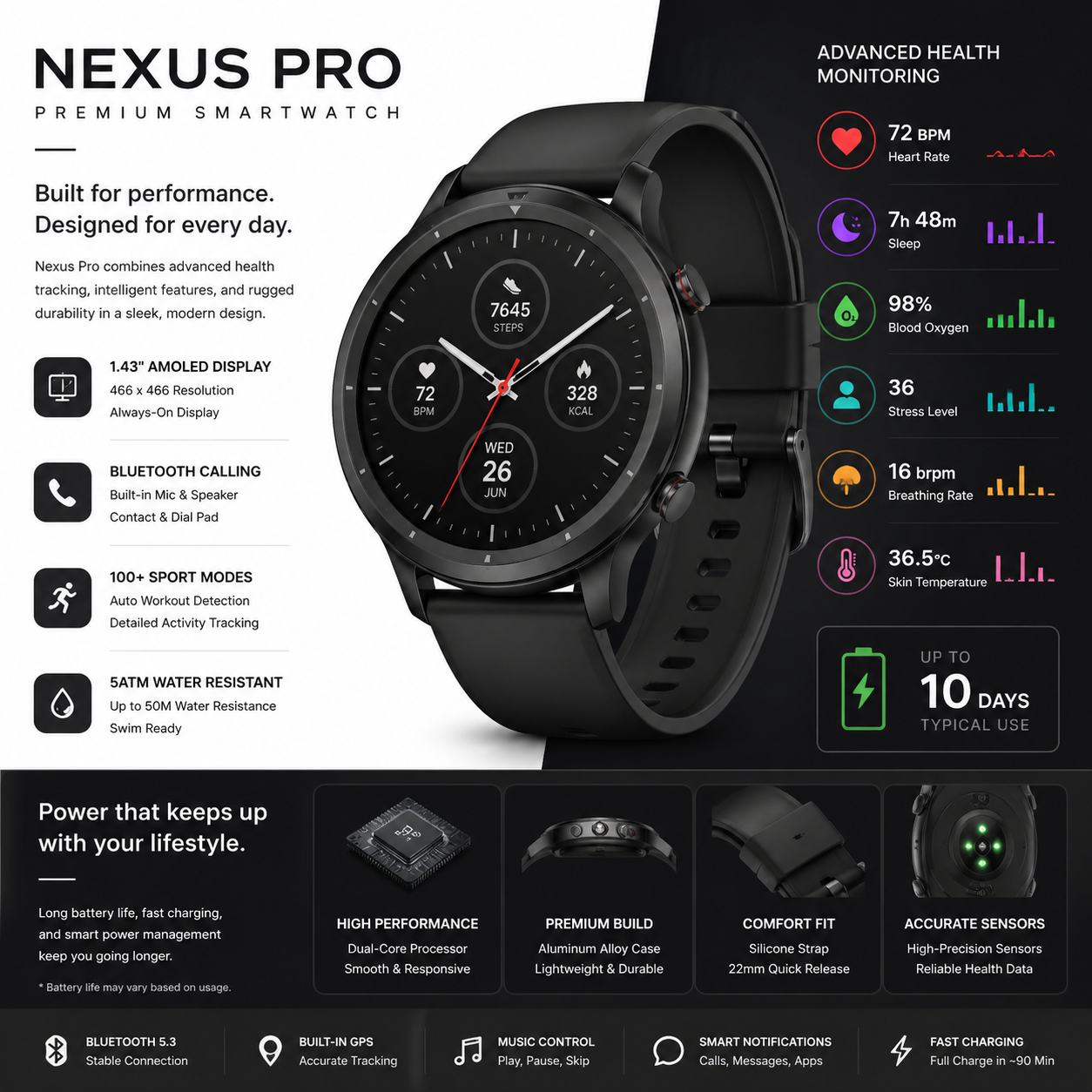
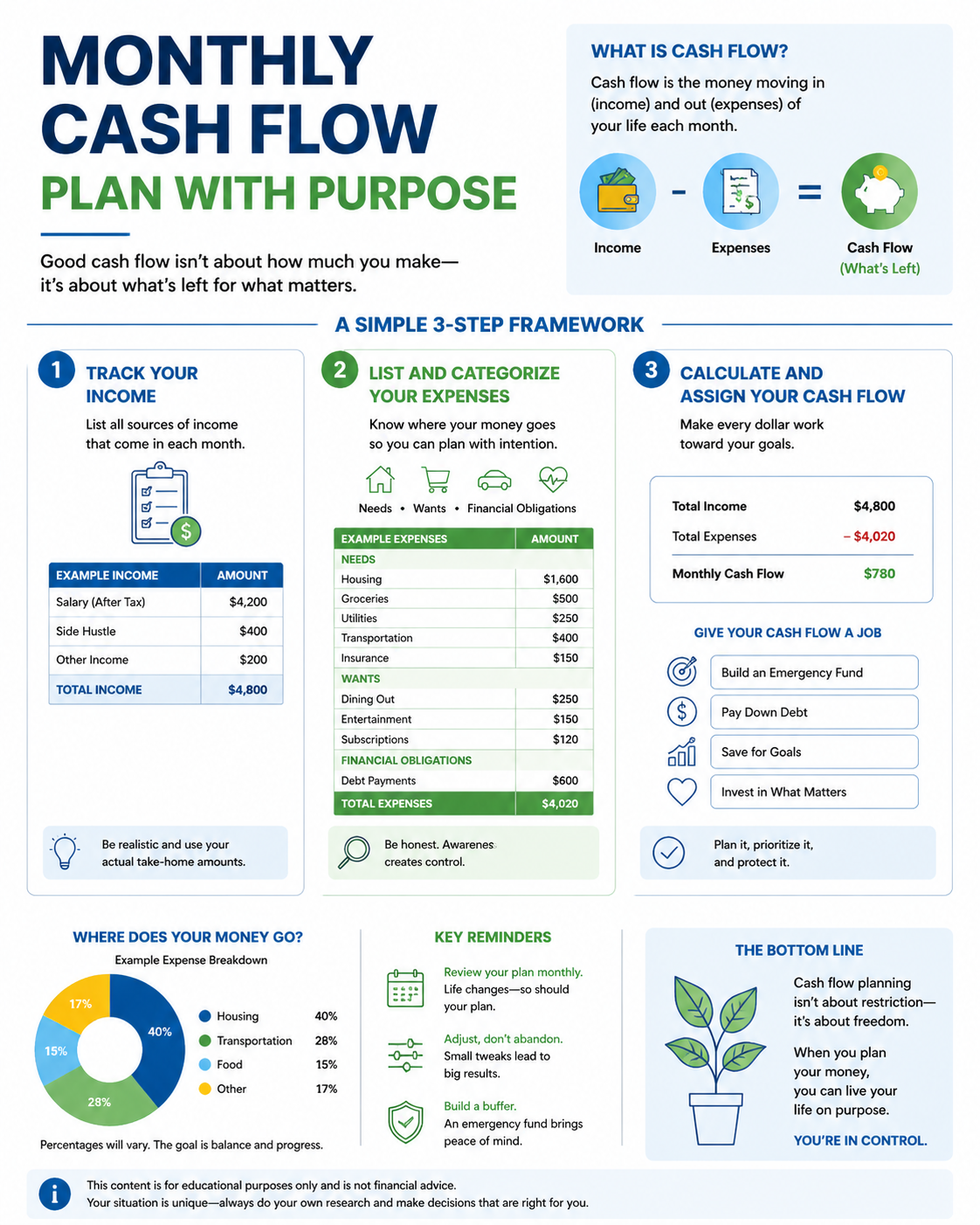
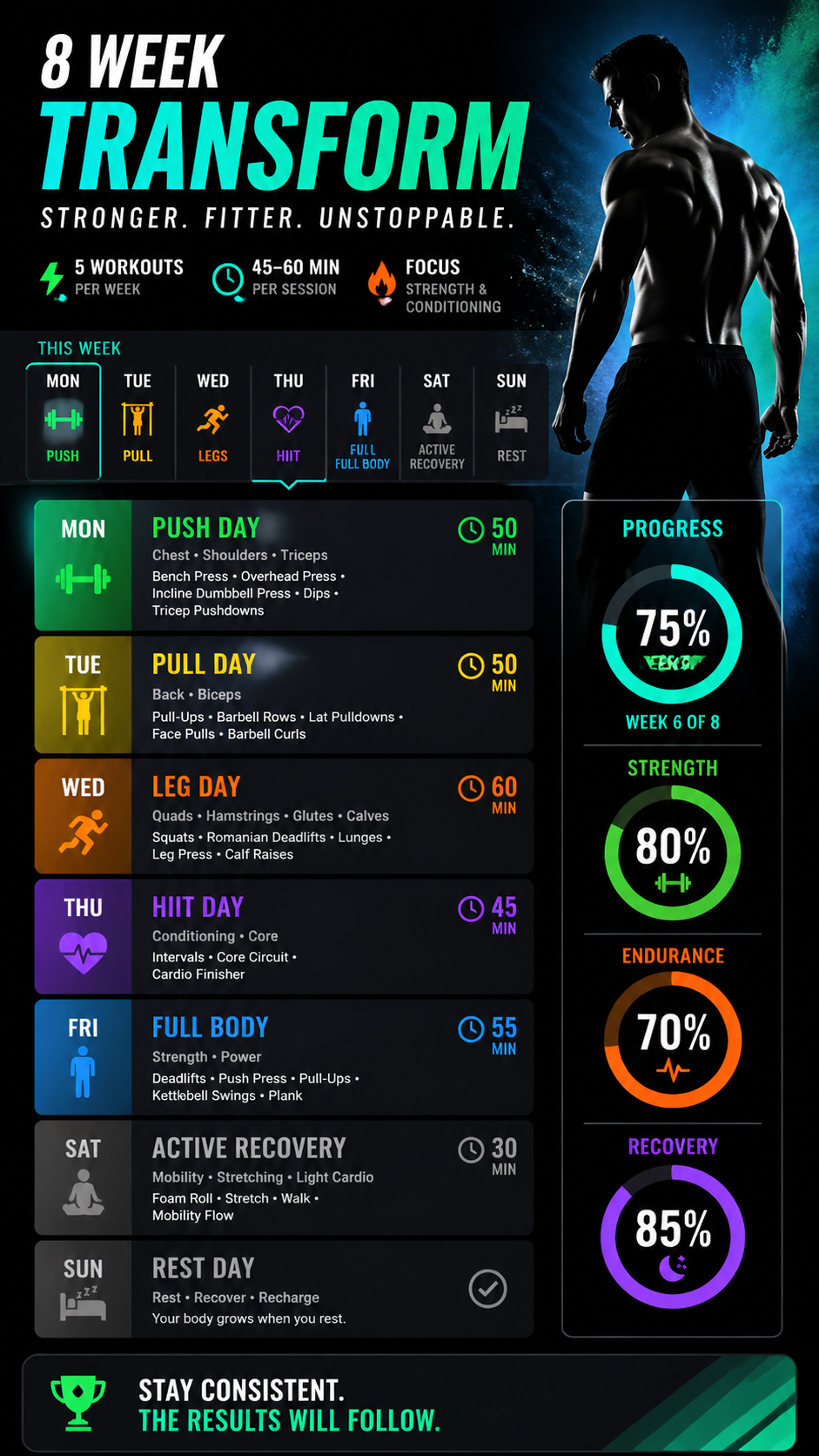
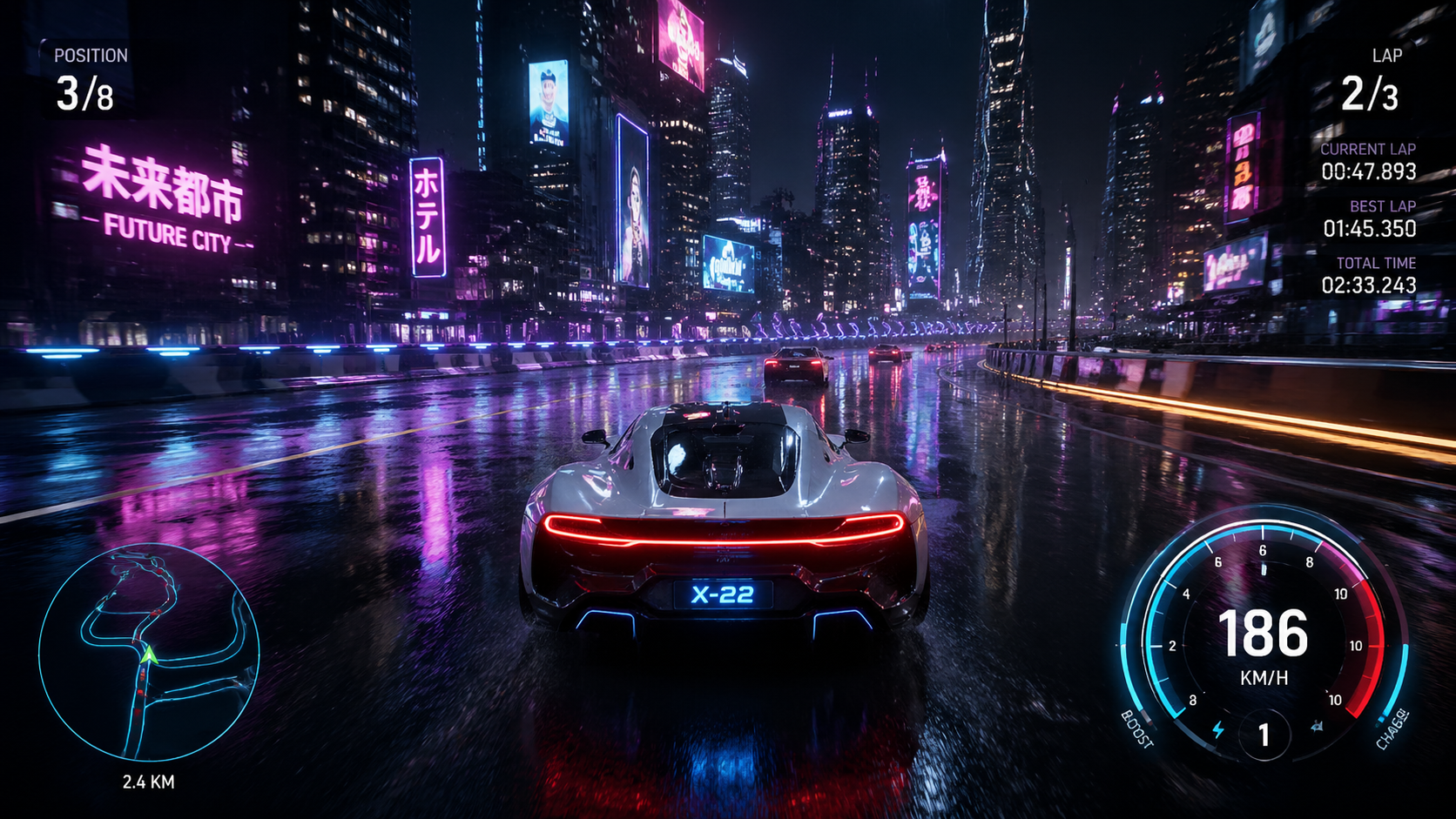
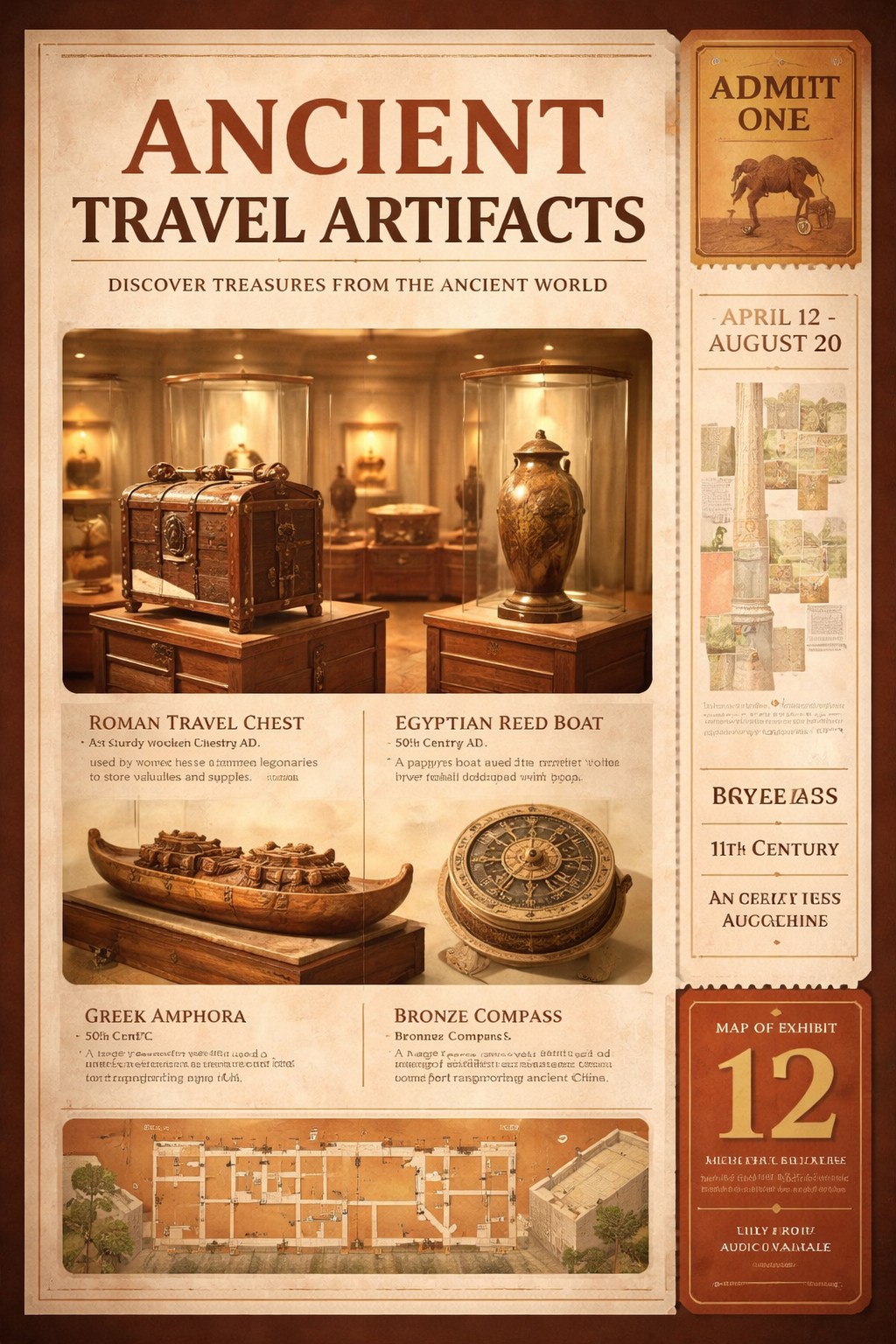
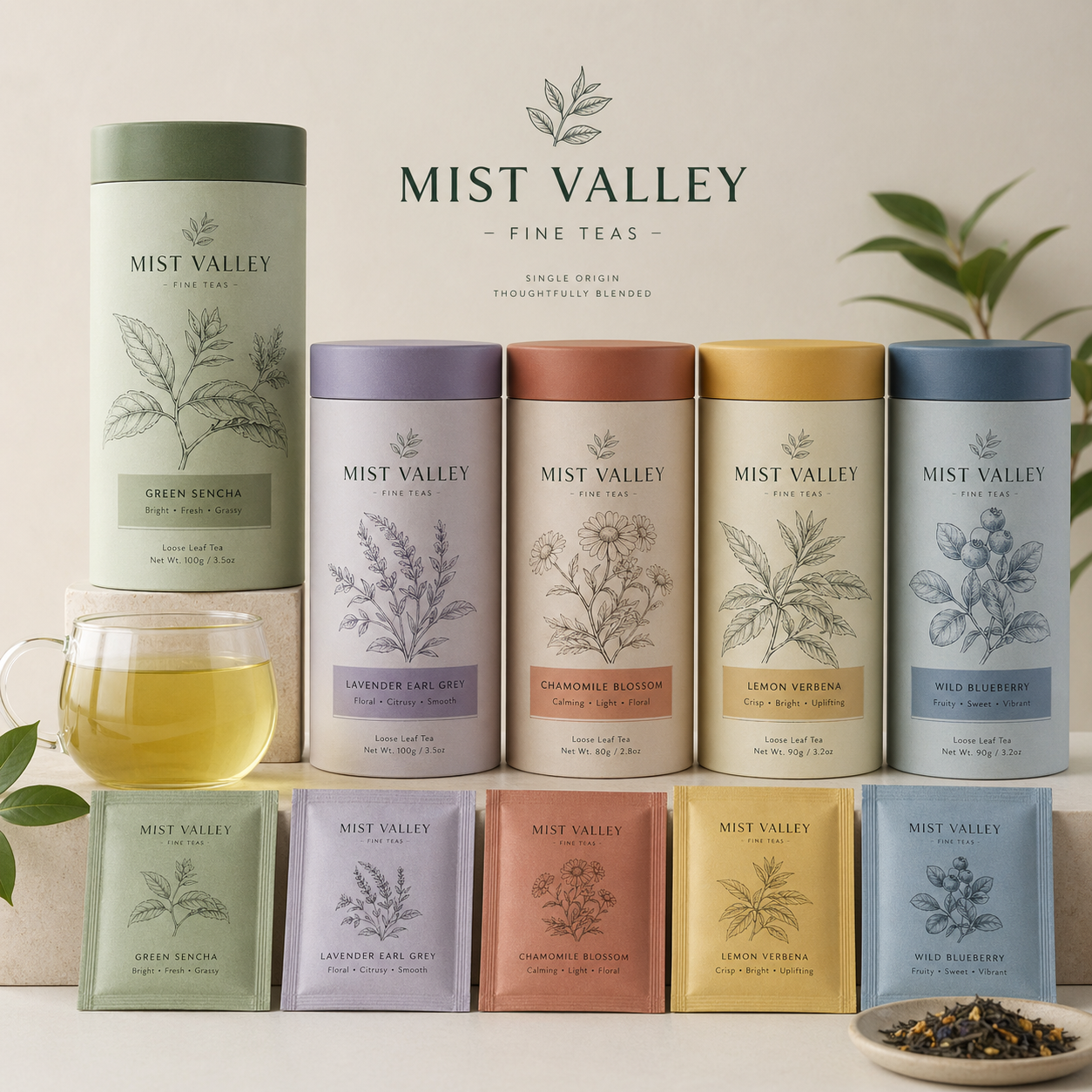
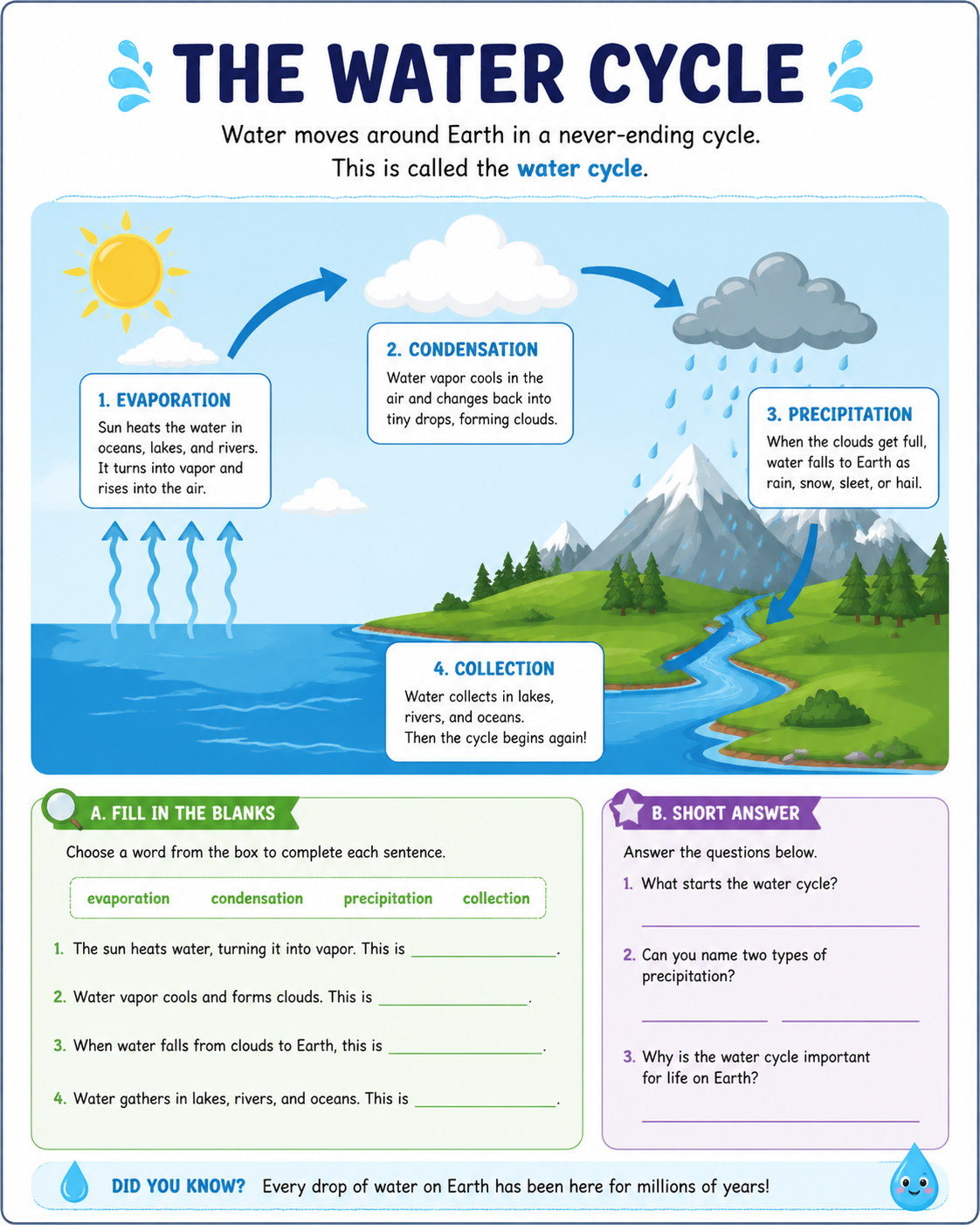
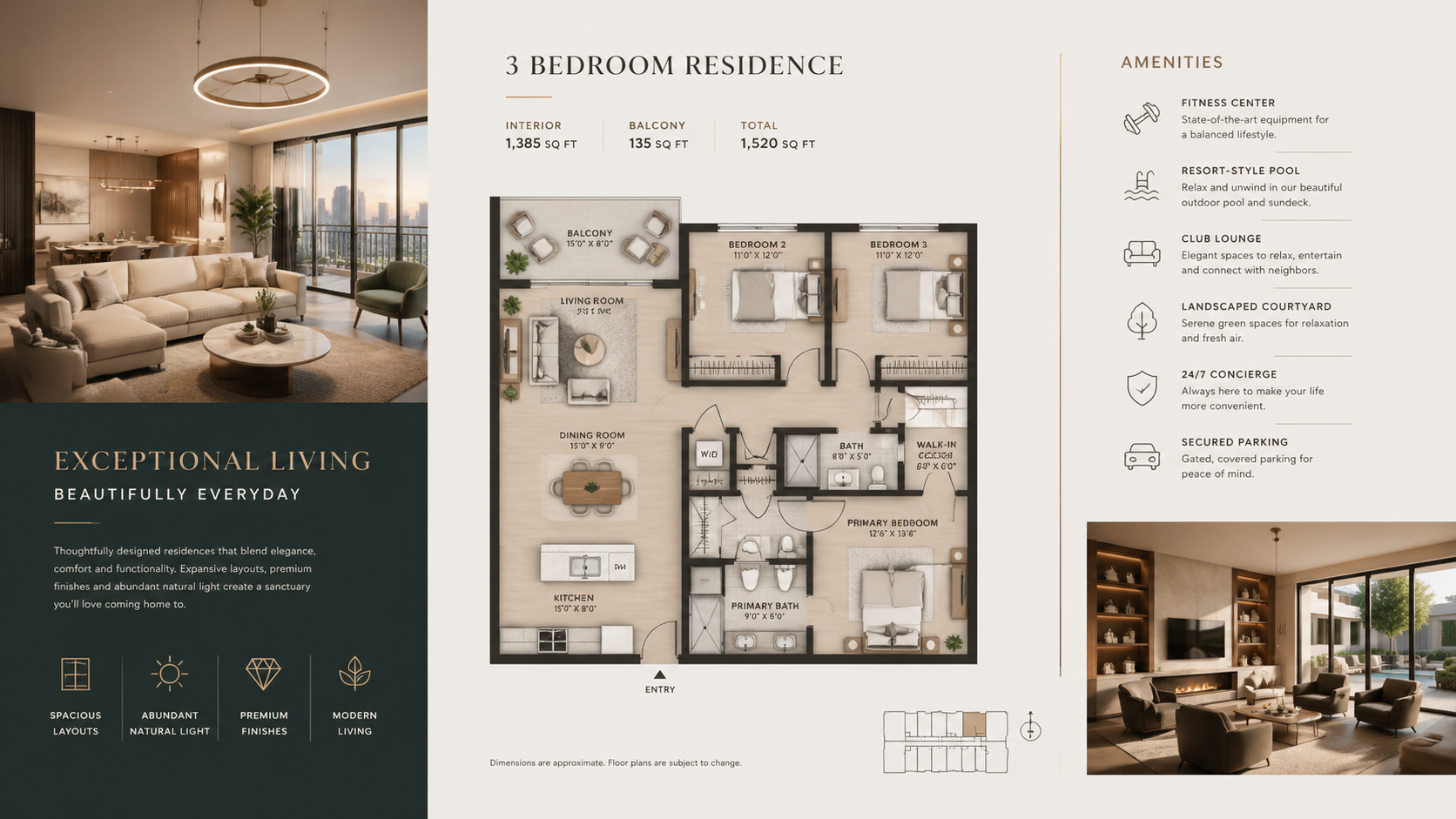
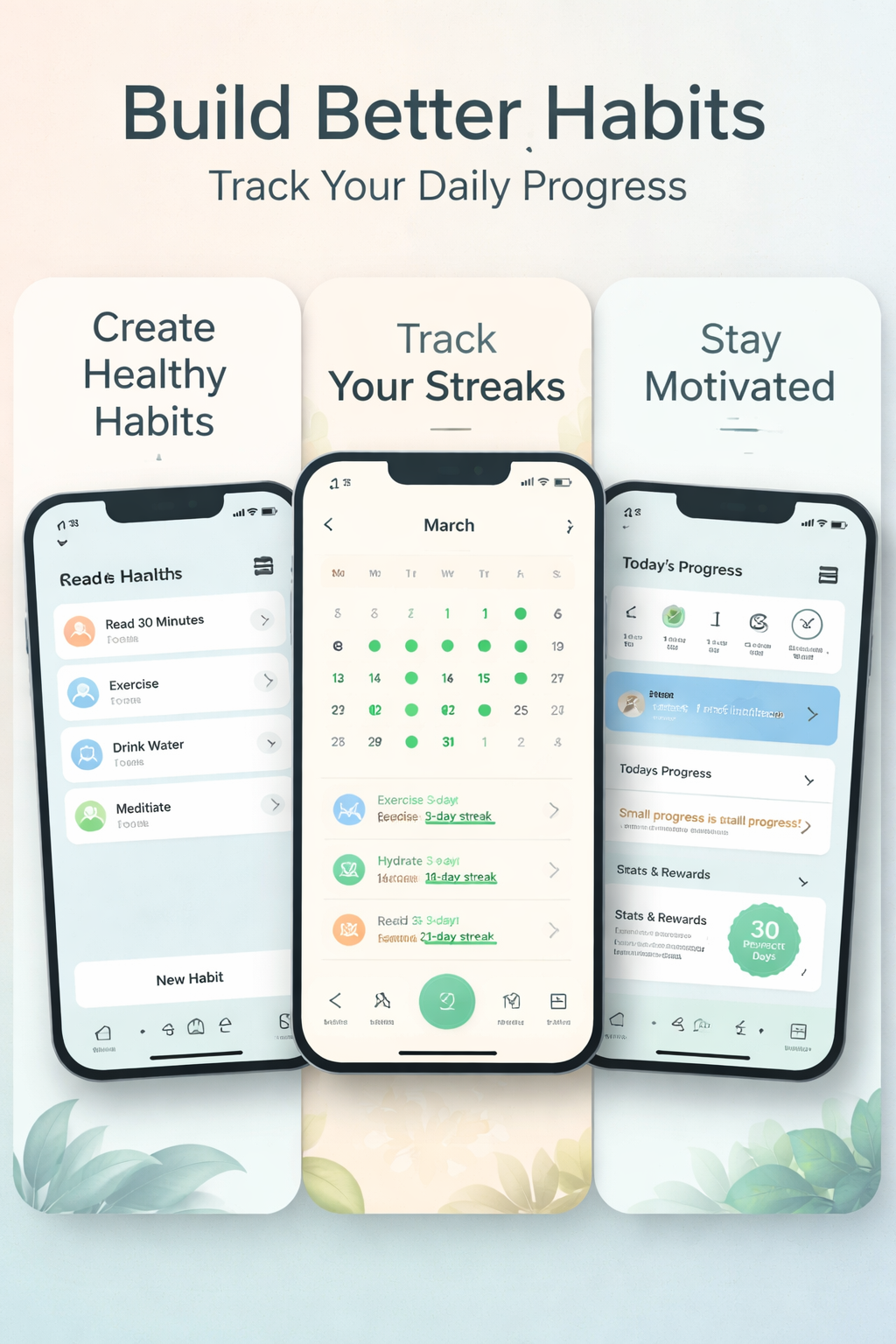
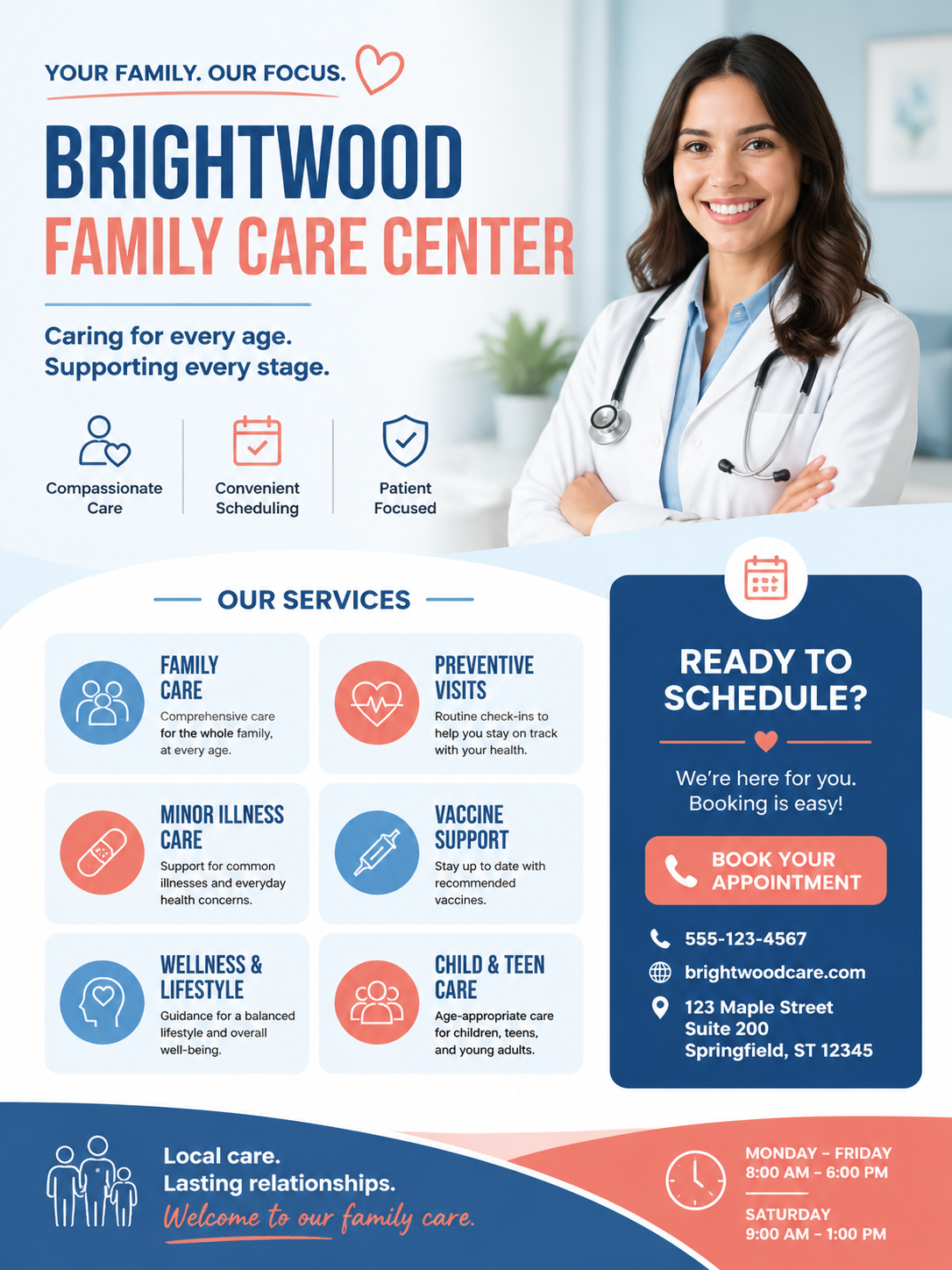
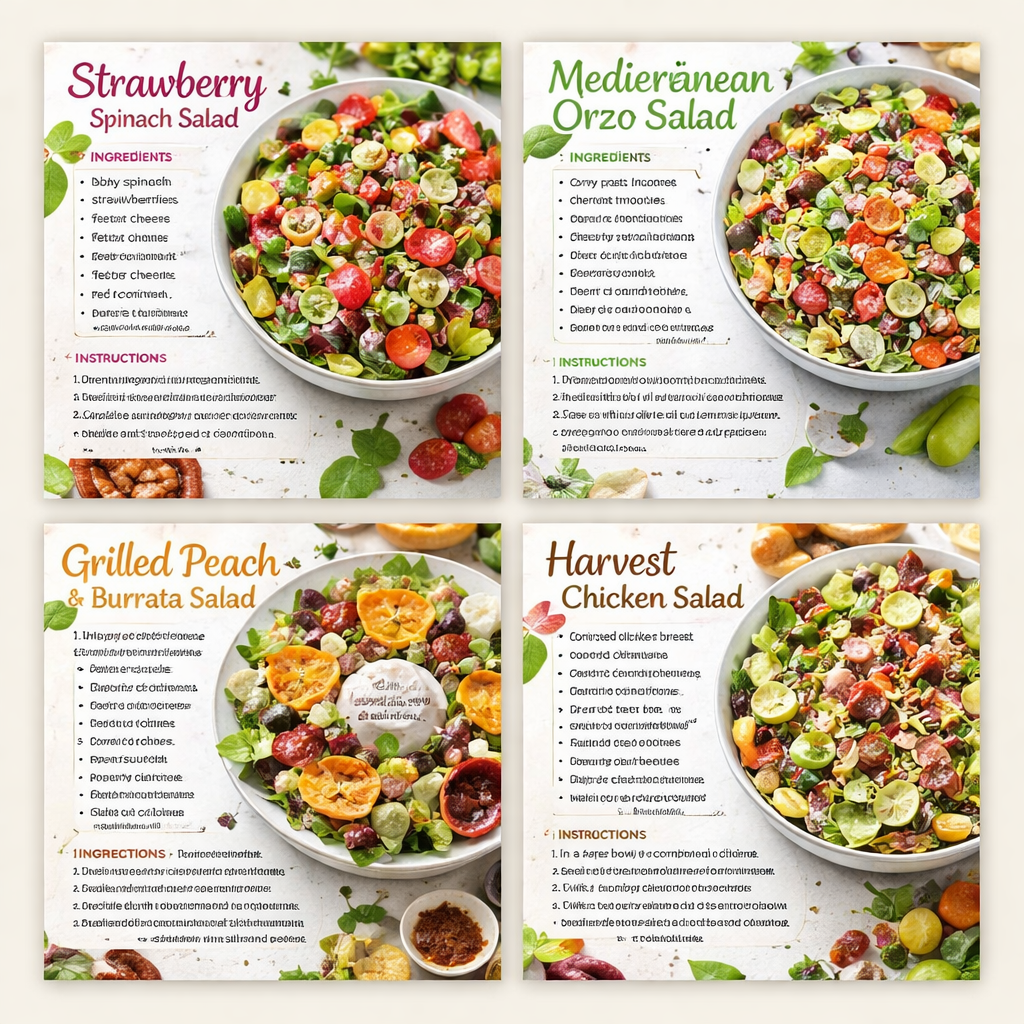
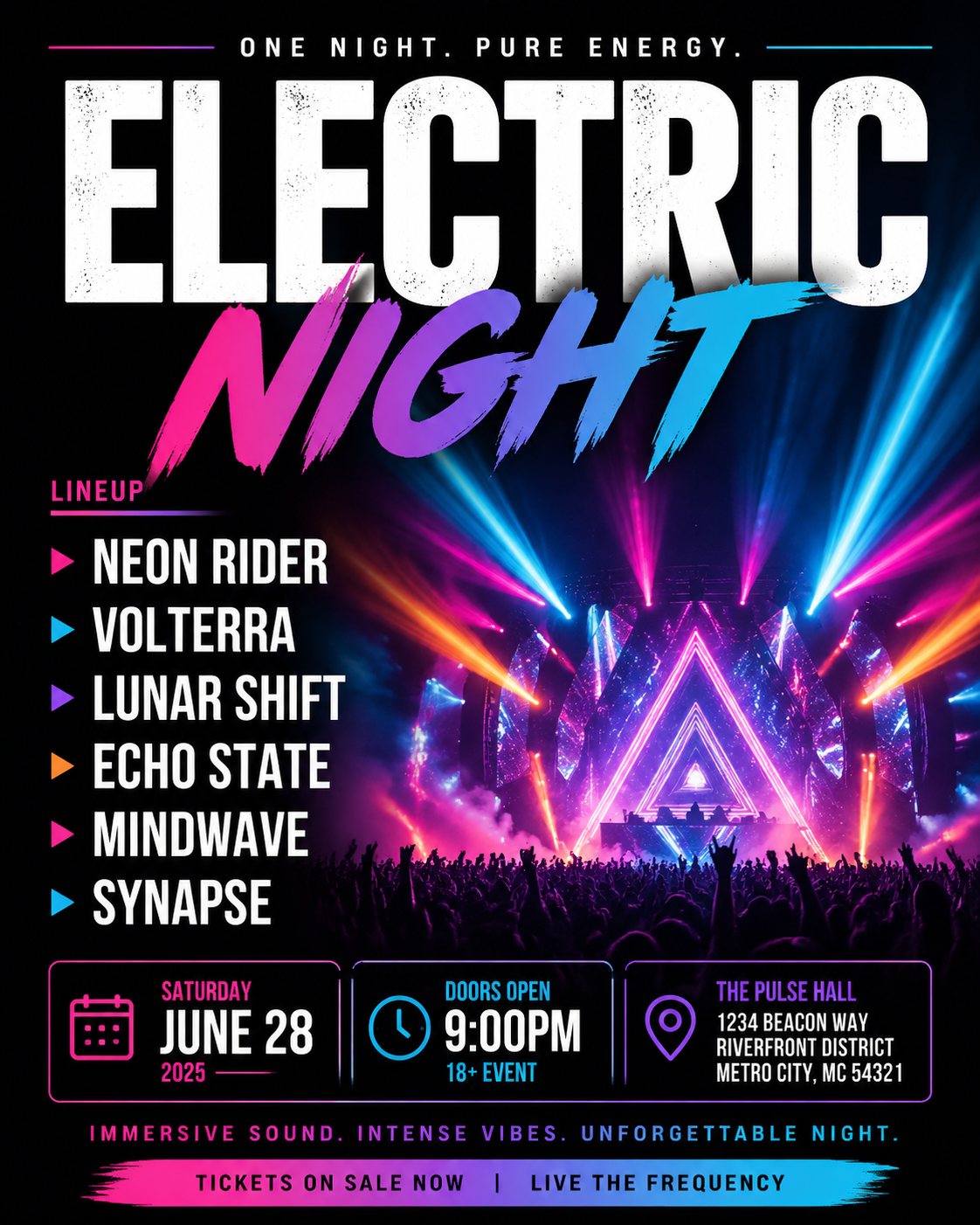
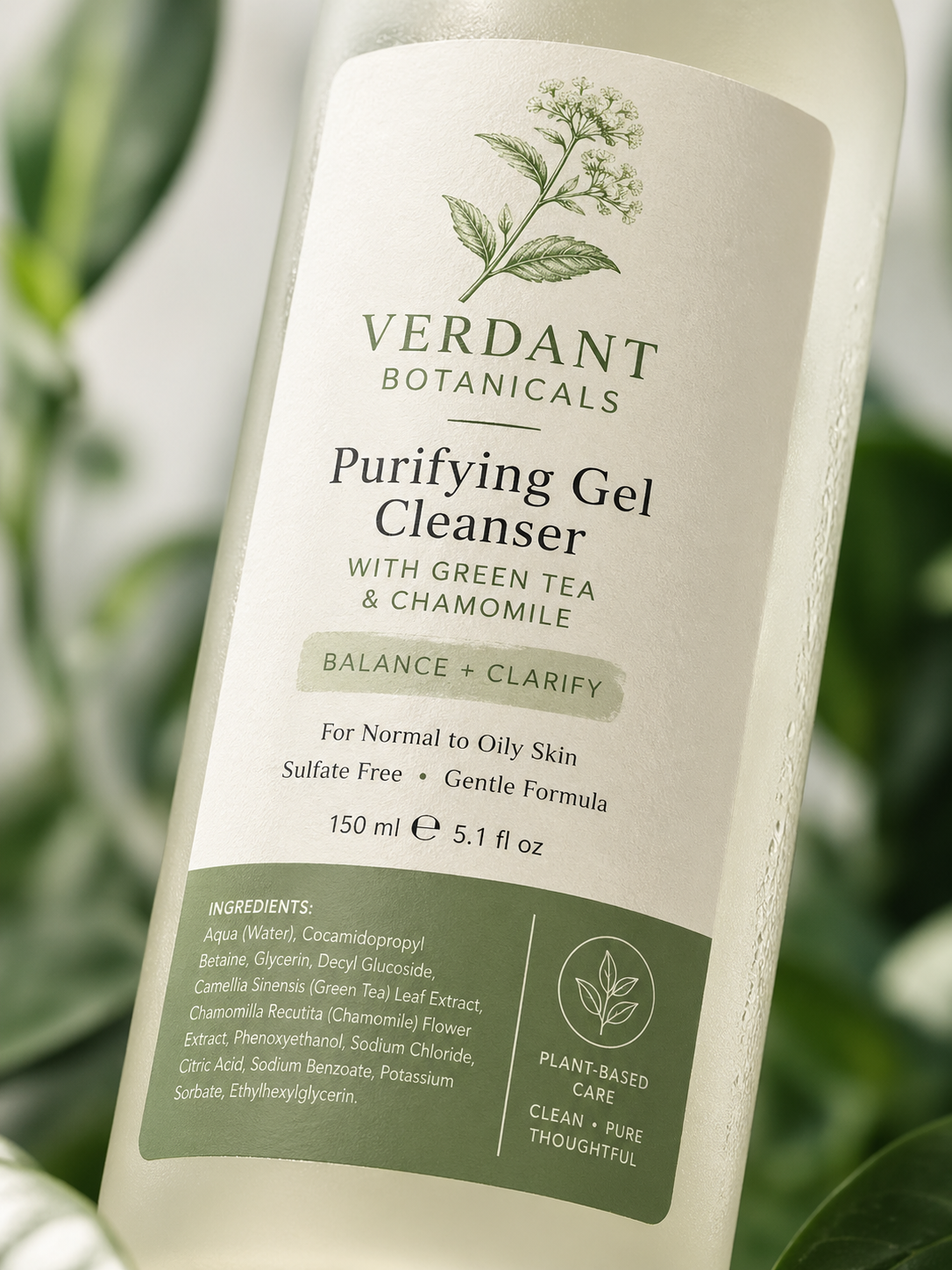
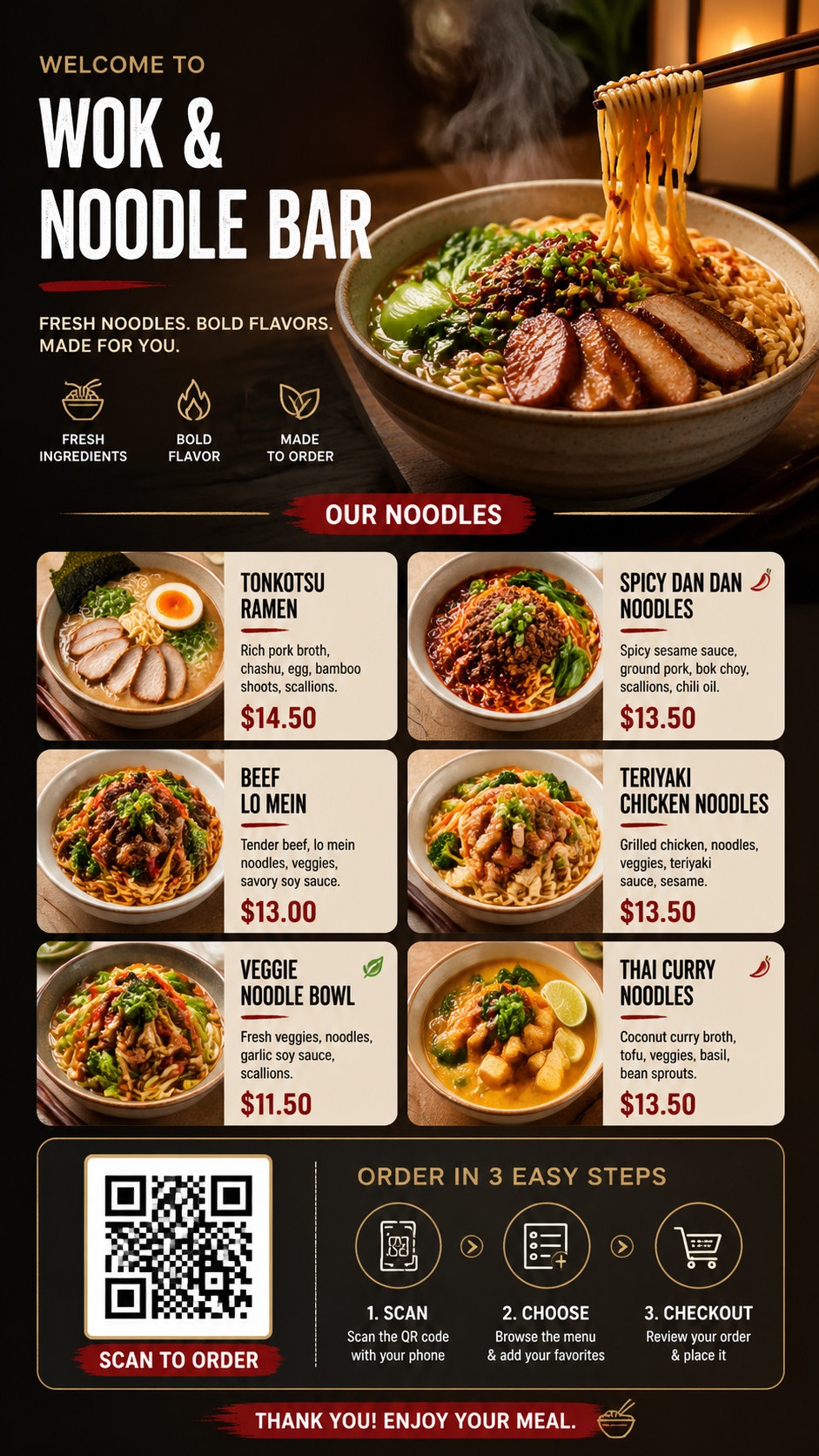
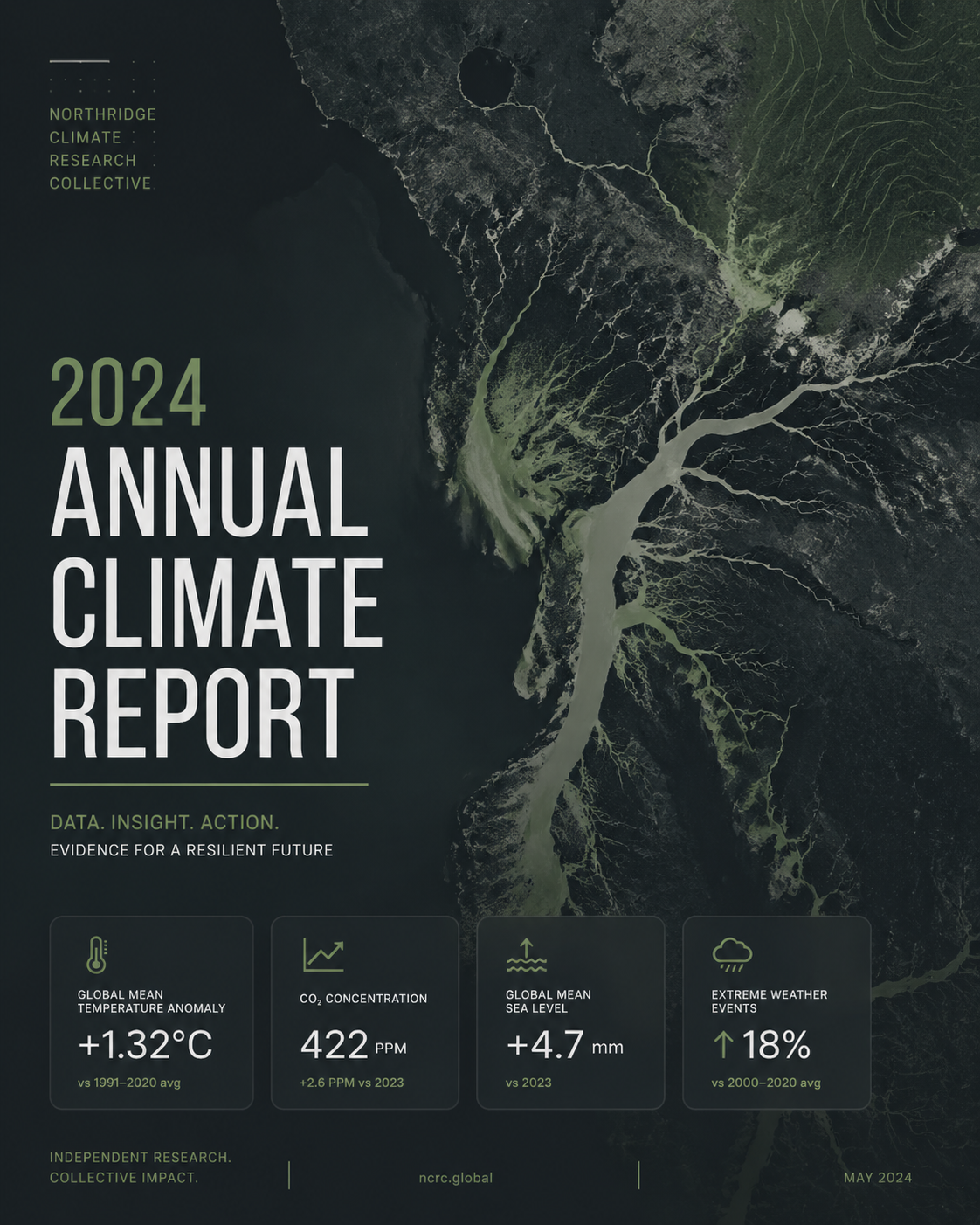
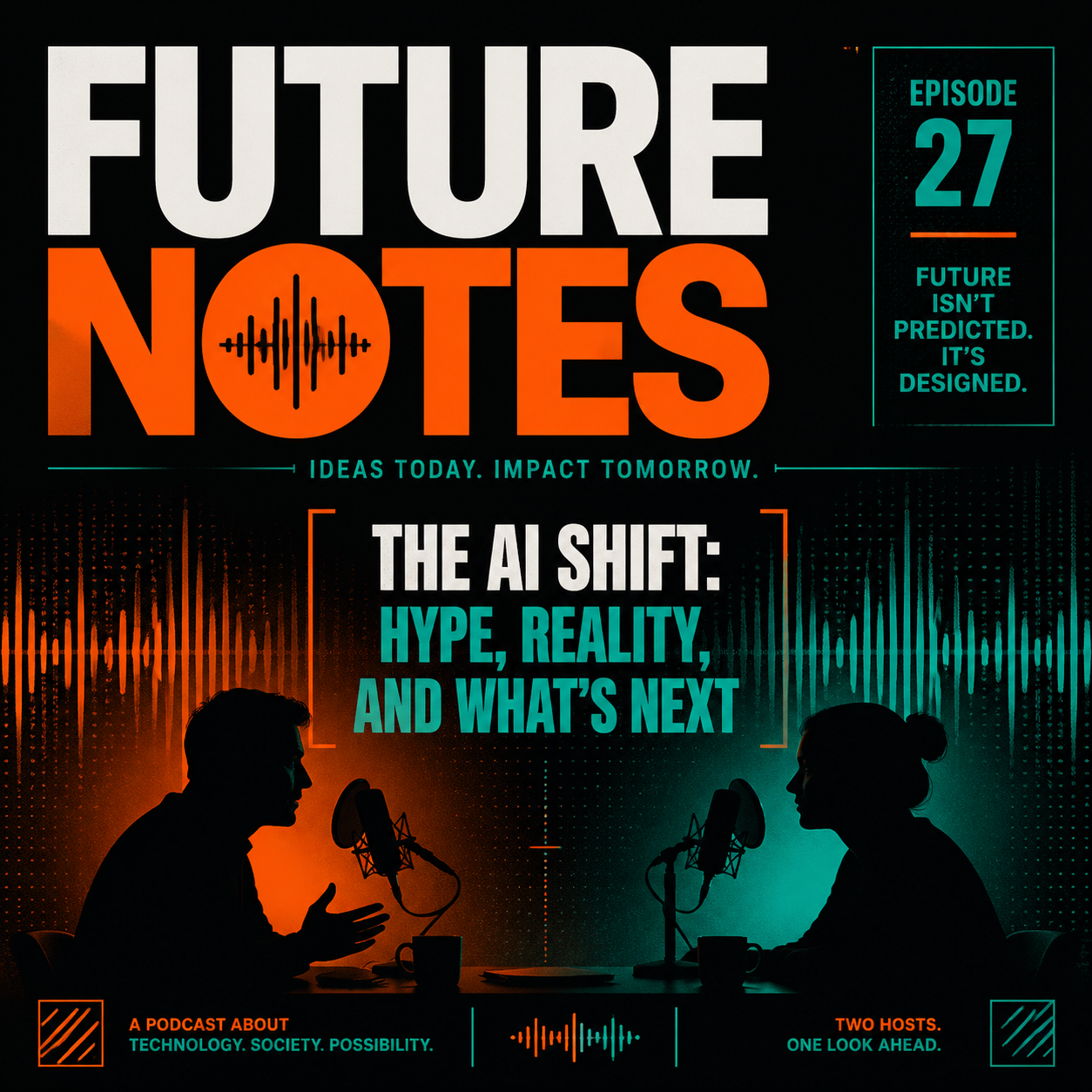
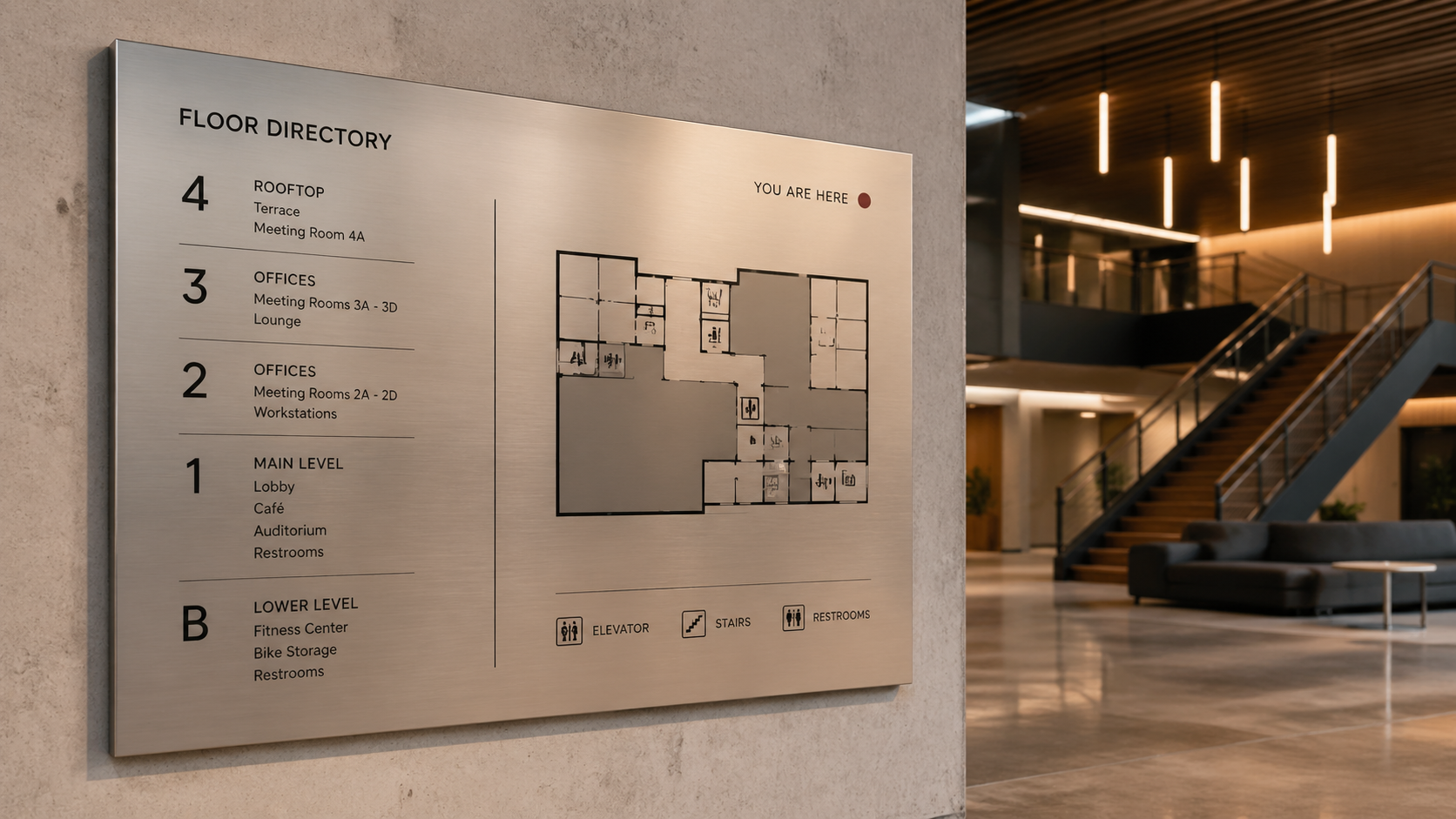
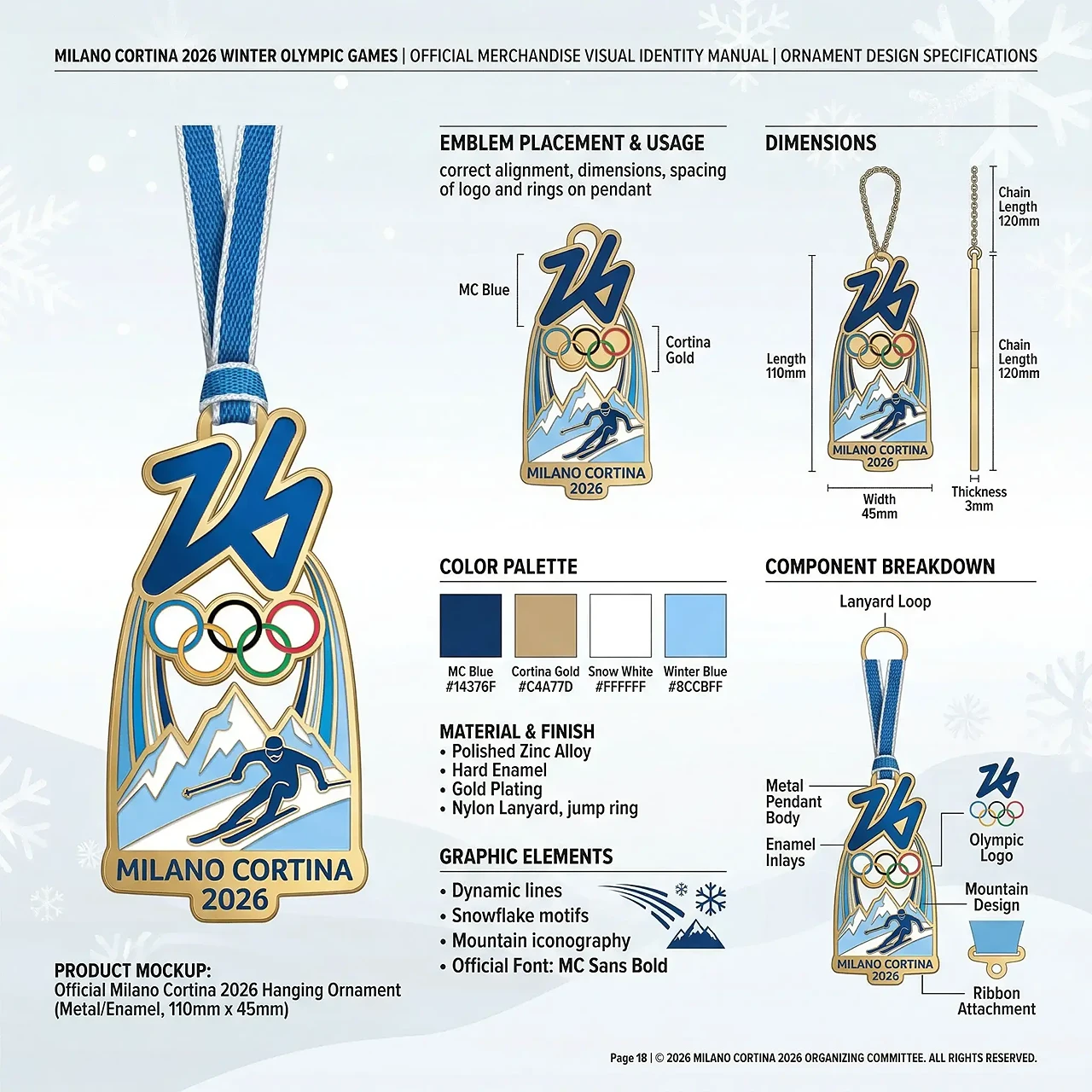
Text Rendering
Text-heavy images are where GPT Image 2 feels better fastest
Posters, labels, menus, packaging, and explainer graphics stay readable more often.
If the image needs real words inside the frame, GPT Image 2 is simply more useful. It handles headlines, annotations, product copy, and dense layout text better than models that fall apart once the composition gets busy.
Prompt Adherence
It follows longer, more detailed instructions without losing the main idea
You can ask for subject, style, composition, text placement, and lighting in one request.
This matters when the job is not just 'make something nice', but 'make this exact kind of visual'. GPT Image 2 is better at keeping multiple constraints alive in the same image.
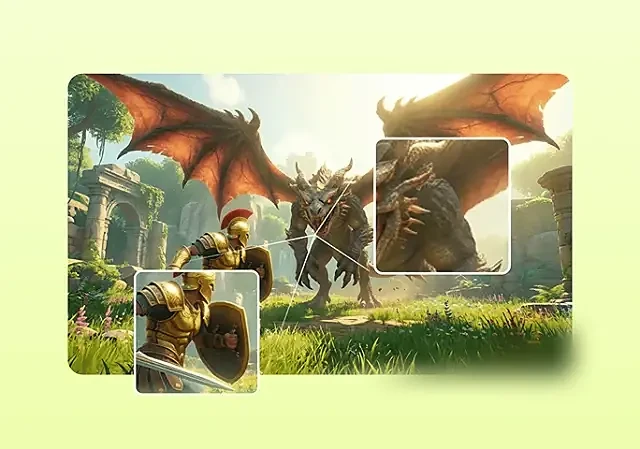
Image Editing
Image-to-image edits feel more controllable and less random
Better for keeping what works and changing only what needs to change.
Use reference images to preserve composition, identity, or product shape, then push toward a cleaner background, a new variant, or a tighter marketing composition without restarting from scratch.
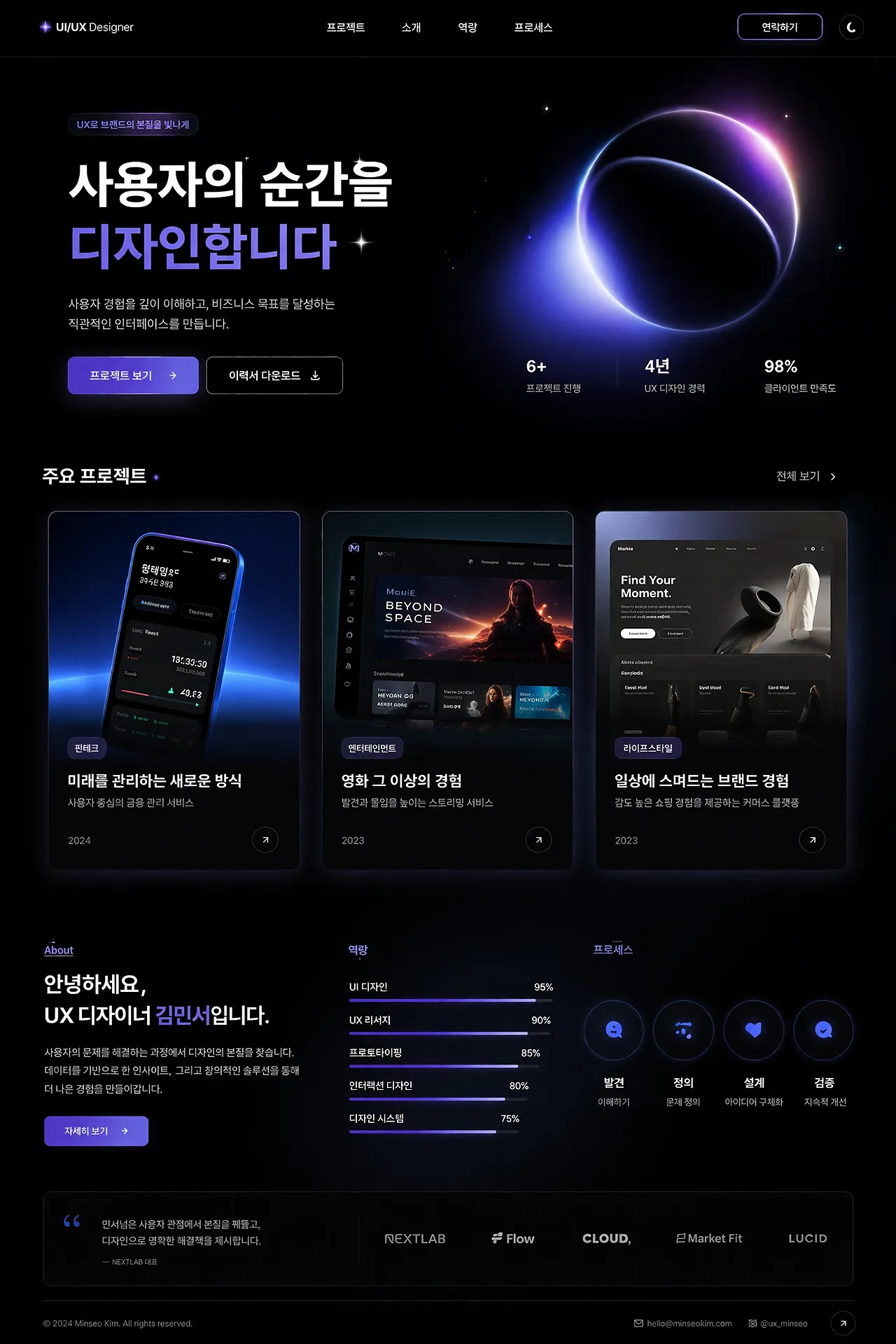
Design Tasks
It is more convincing on real design work, not just loose concept art
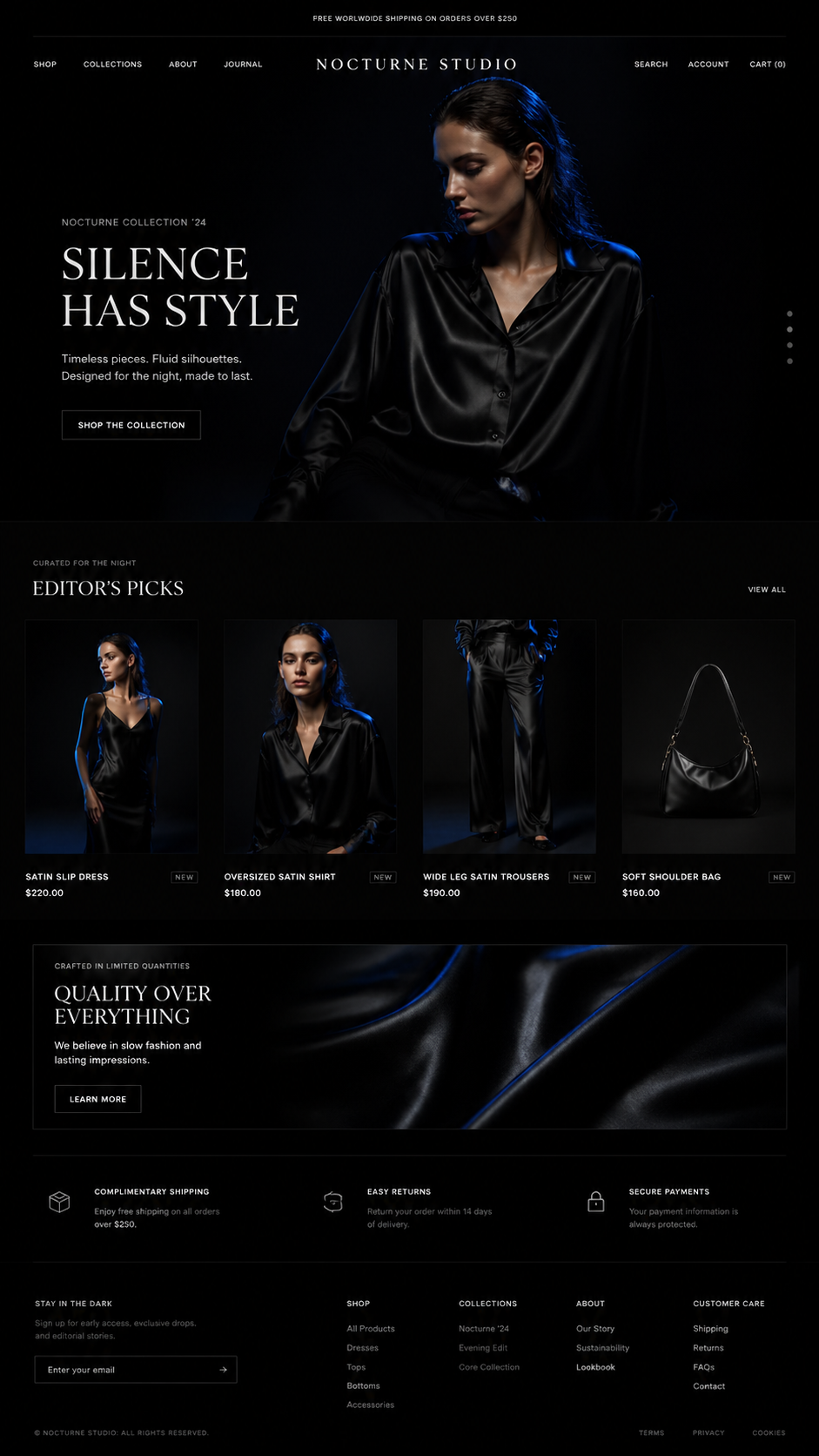
That includes posters, UI screens, product graphics, explainers, and social assets.
The difference shows up when the output has to be usable. GPT Image 2 is better at layout, hierarchy, graphic elements, and images that already feel closer to something a team could actually ship.
Why GPT Image 2
Why GPT Image 2 feels better
Better text, better layout, better edits, and more usable output.
Fastest Win
Text that reads correctly
Useful for posters, infographics, labels, menus, and any image that needs real copy inside it.
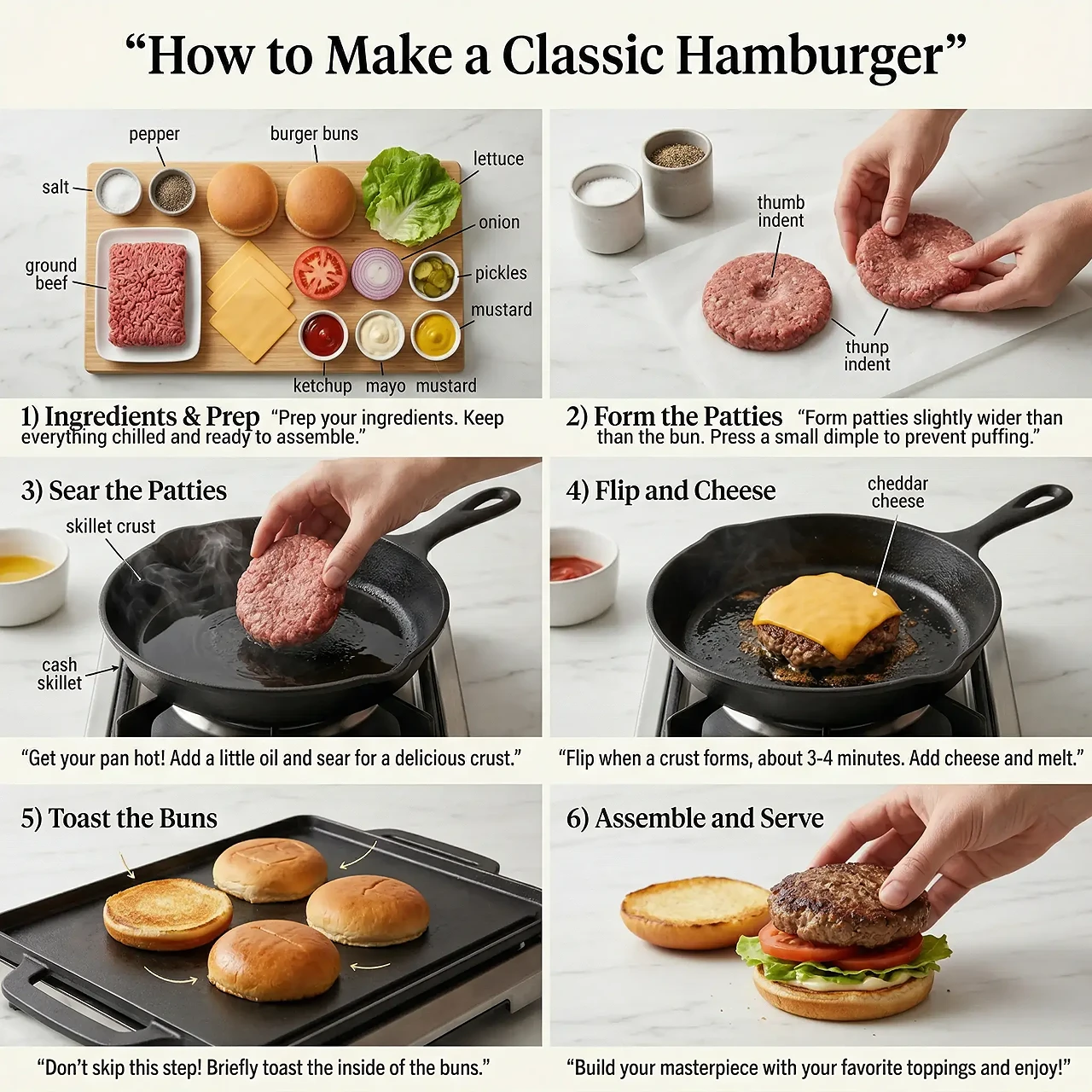
Big Difference
Layouts stay together
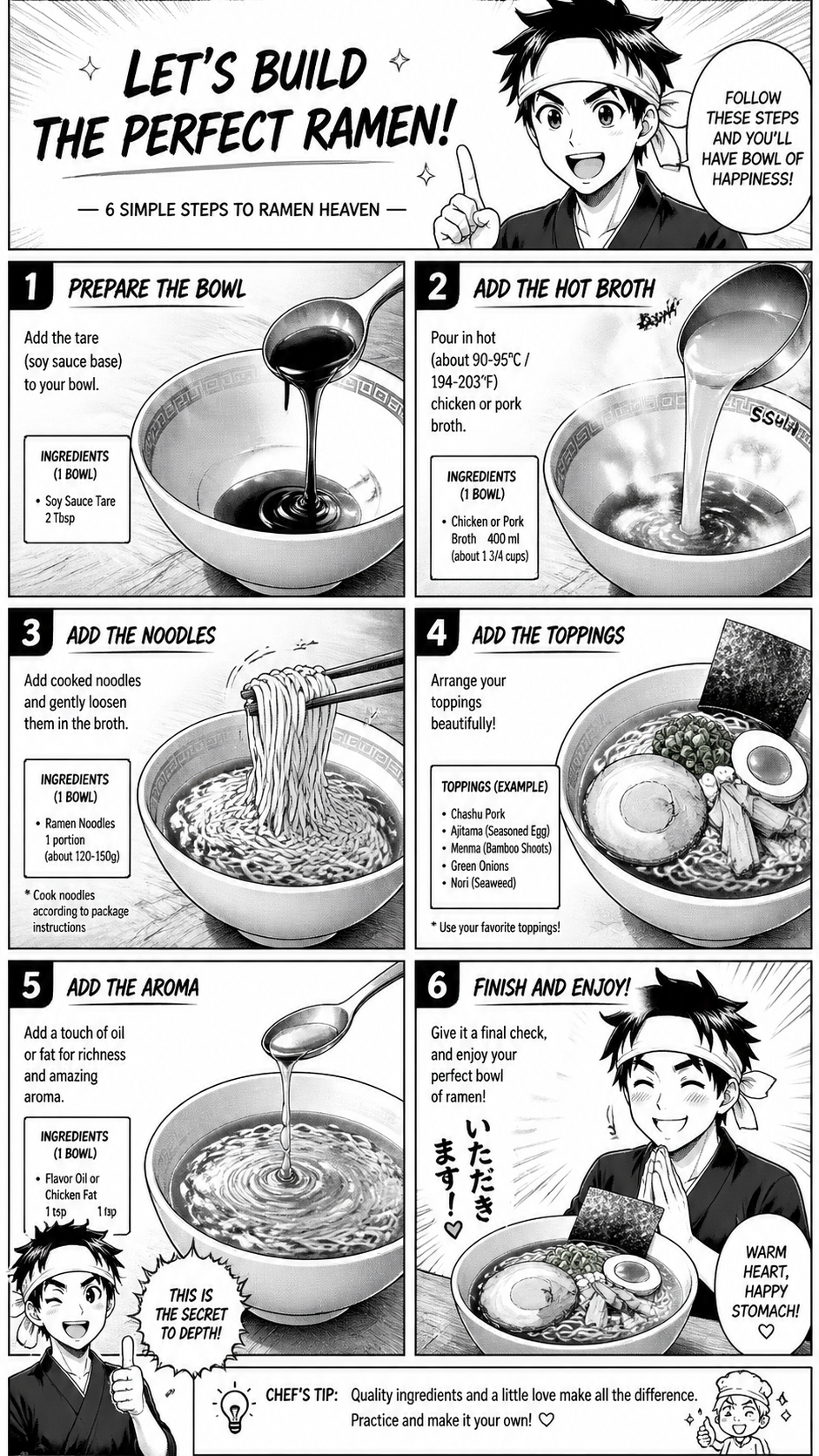
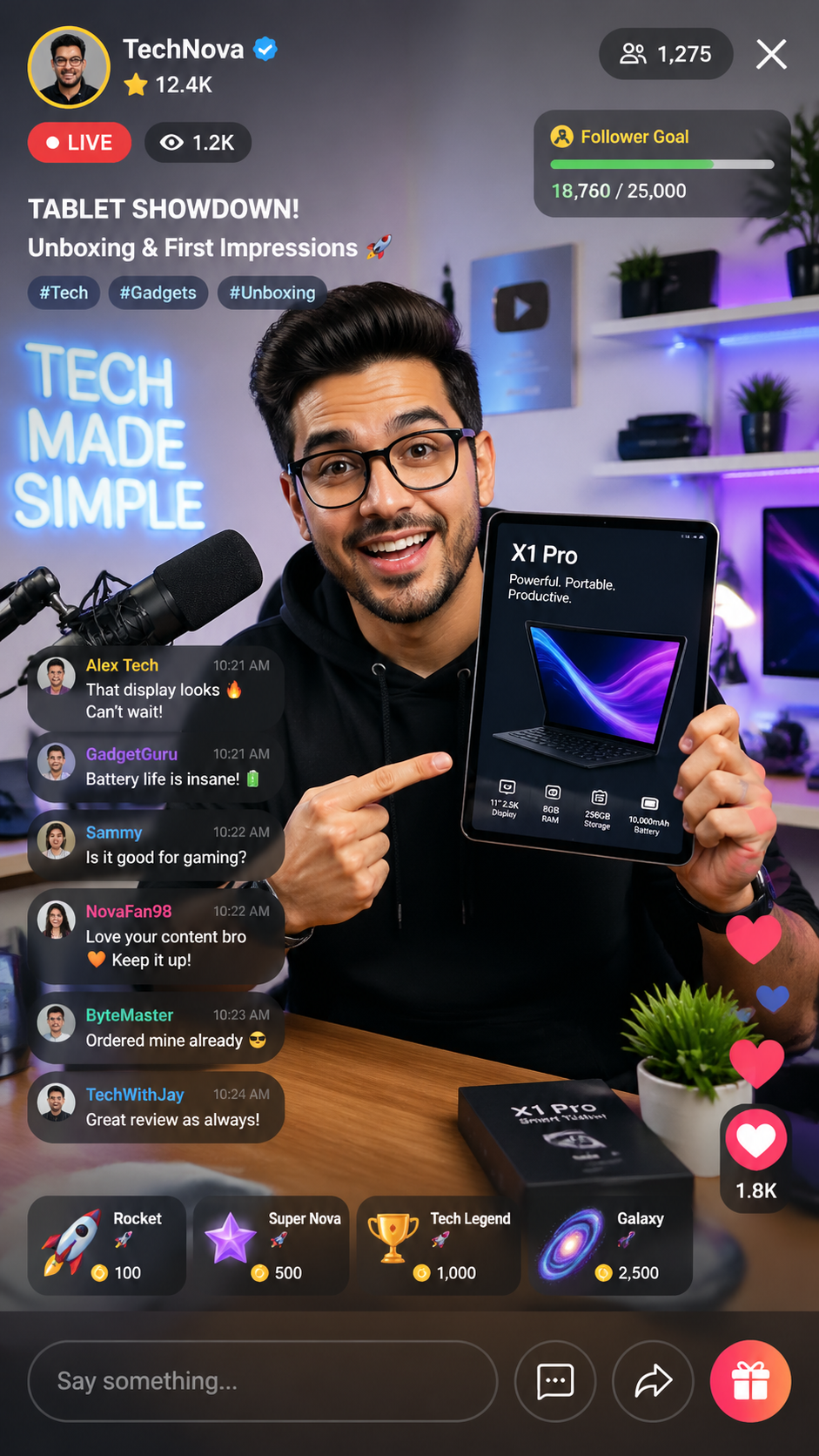
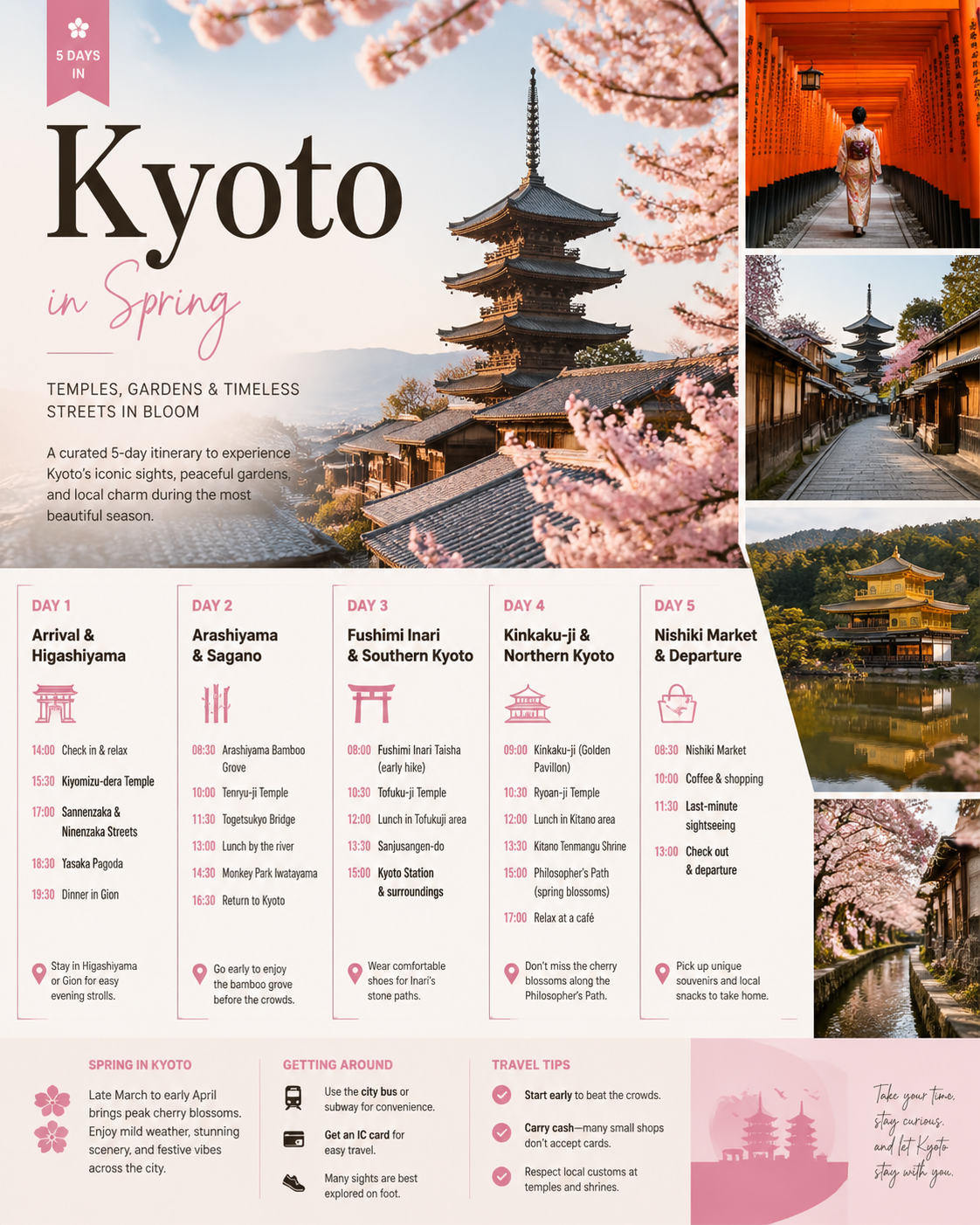
UI screens, explainers, timelines, and dense poster compositions hold their structure better.
More Control
Edits are easier to steer
Reference-based edits are better for swapping products, changing scenes, and keeping the original visual logic.
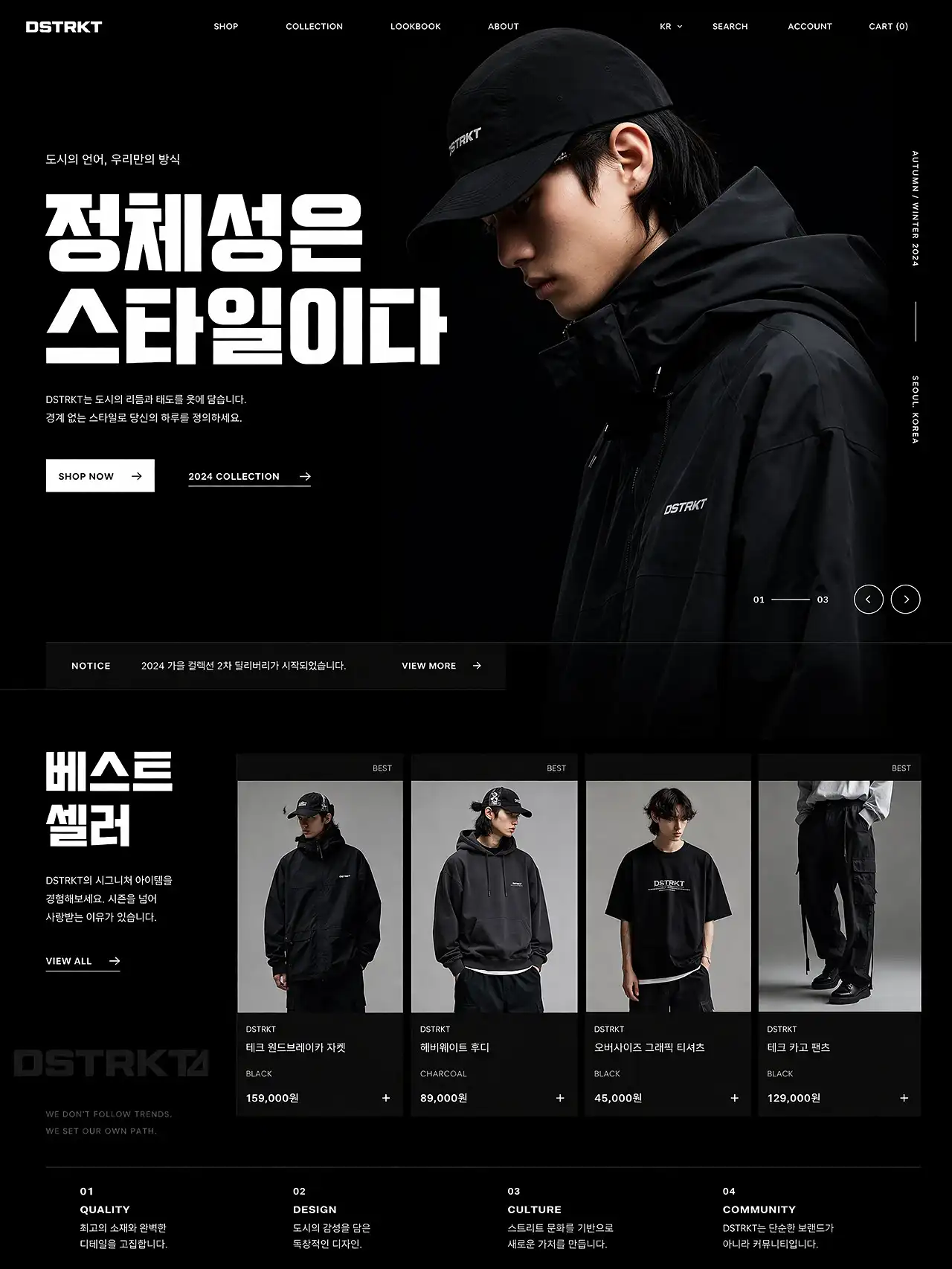
Real Output
Good for actual asset creation
More useful when you need launch graphics, thumbnails, product visuals, and marketing images instead of one-off art.
In Plain English
What GPT Image 2 is actually better at
01
Better text rendering
If the image needs words inside it, GPT Image 2 is one of the first models people try.
02
Better prompt adherence
Longer requests with subject, layout, mood, and copy instructions survive more often.
03
Better editing control
Reference images help keep what you like while changing only what you need to change.
04
Better for team output
The result lands closer to something marketing, product, and design teams can actually use.
Best For
The kinds of images where it saves the most time
These are the jobs where the gap shows up fastest: ads, UI screens, explainers, and product visuals.
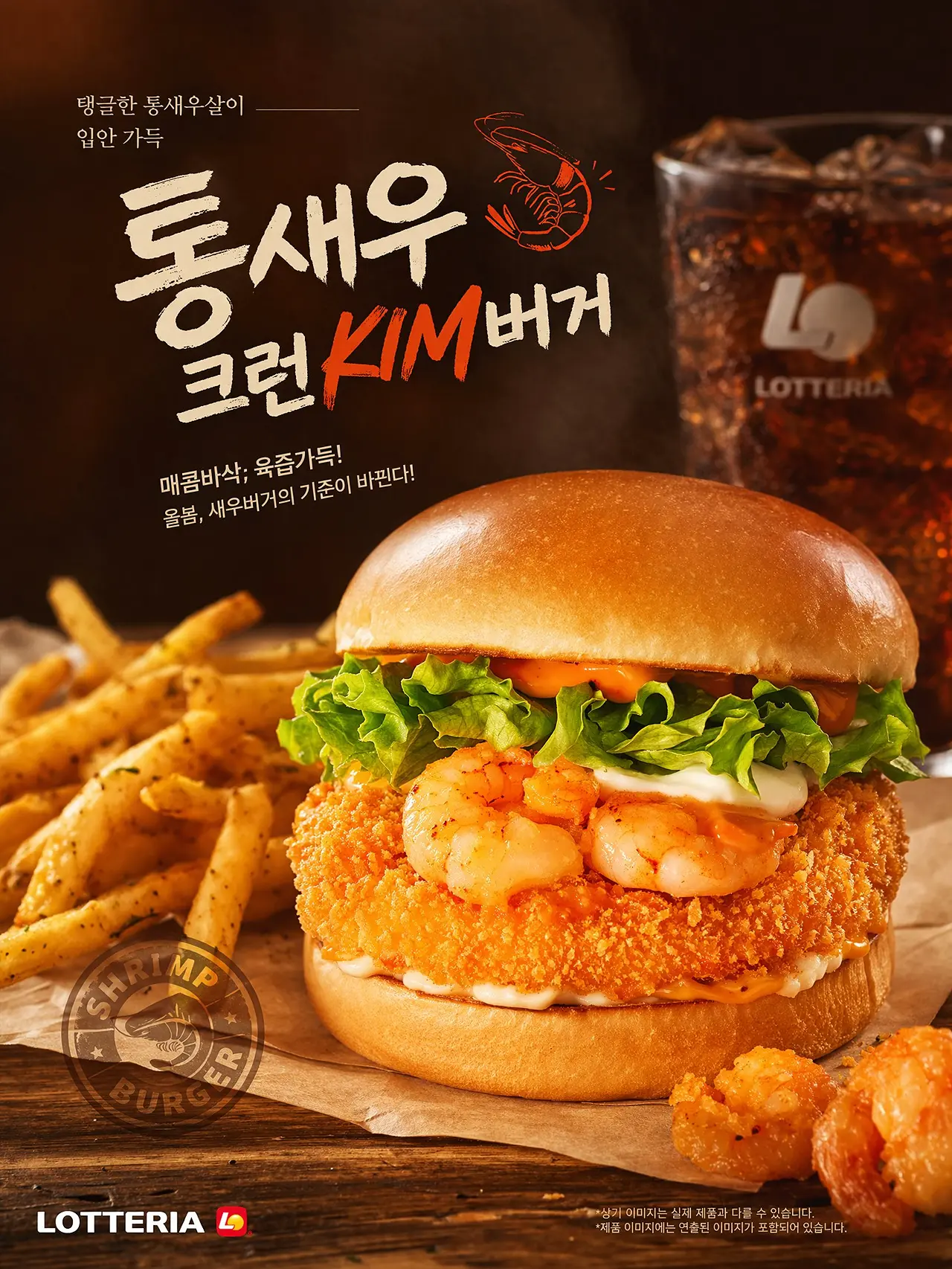
Posters And Ads
For launch posters, brand campaigns, food ads, social cards, and thumbnails with readable headlines.
UI And Product Screens
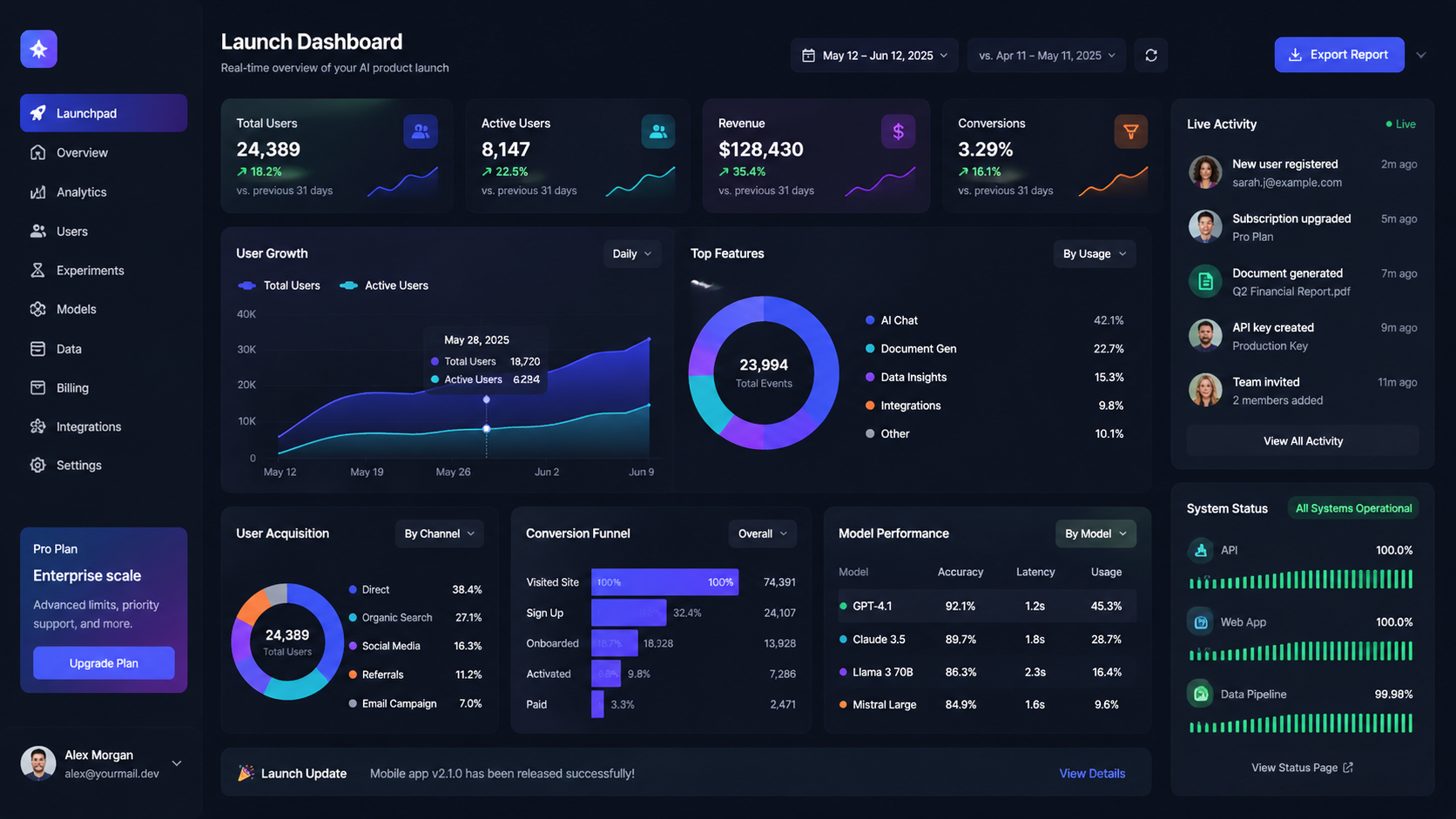
For portfolio pages, app mockups, dashboards, landing pages, and product-led interface concepts.
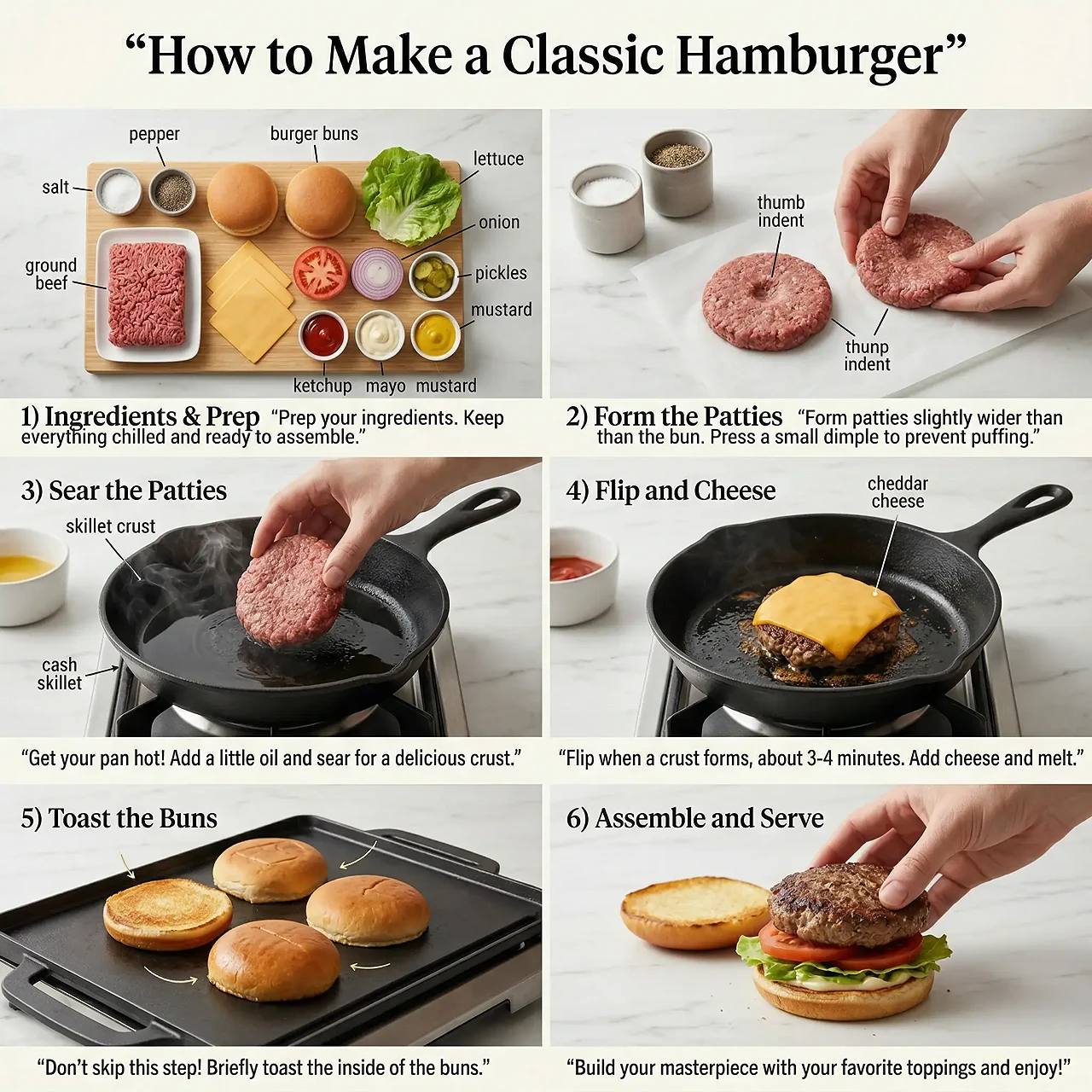
Explainers And Infographics
For recipes, timelines, educational visuals, and other layouts that depend on labels and step-by-step structure.
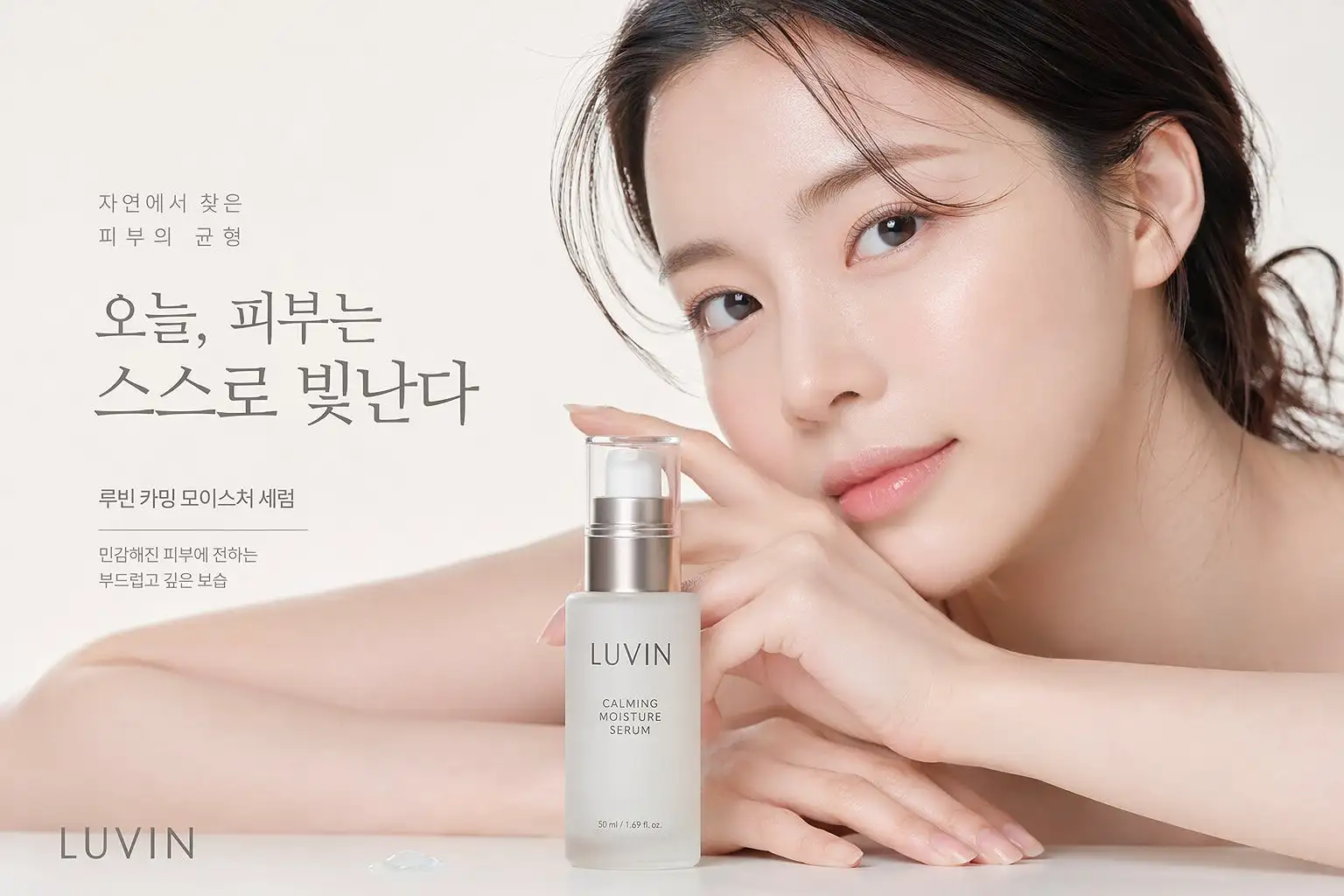
Product And Beauty Visuals
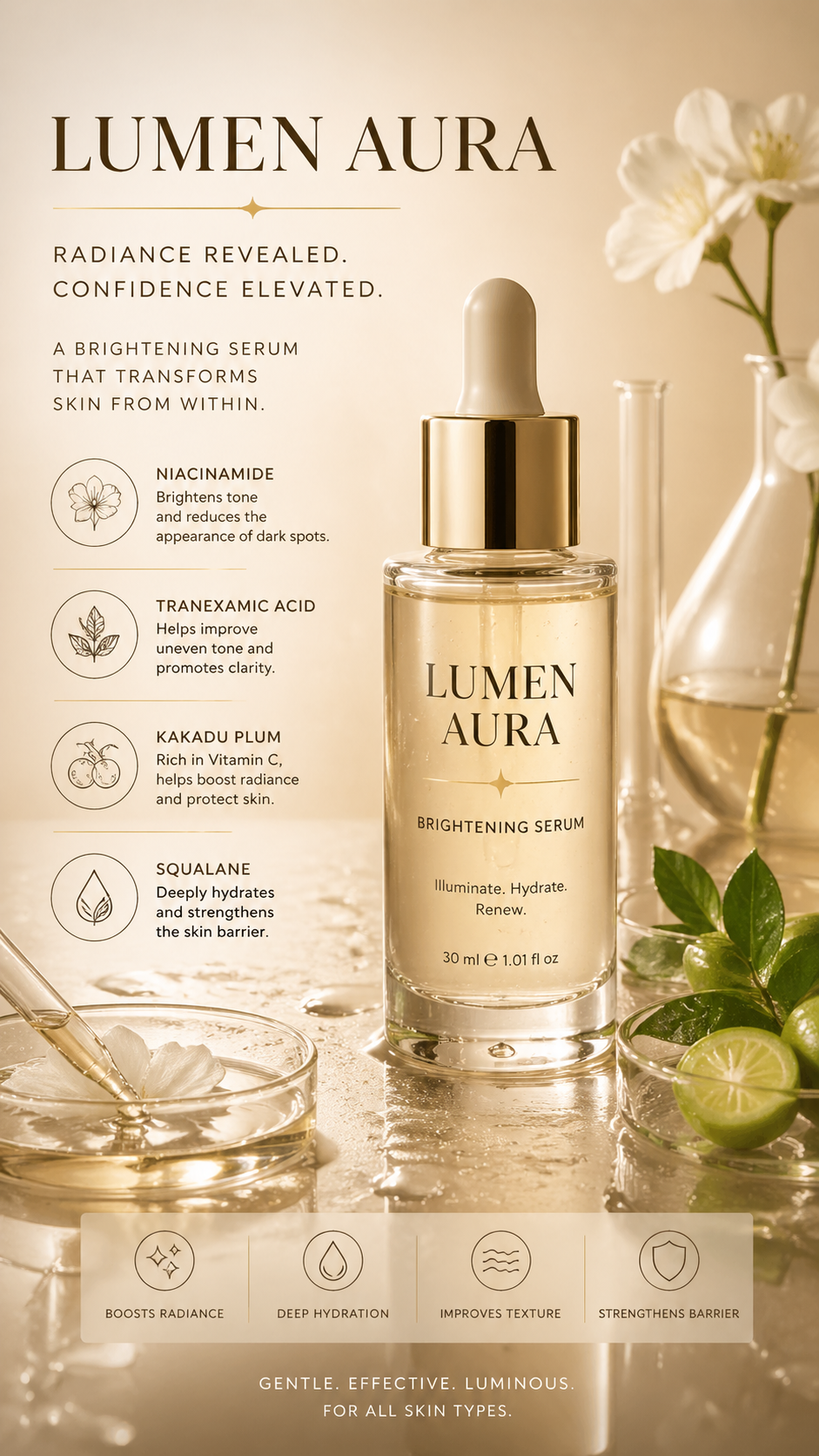
For ecommerce hero images, skincare campaigns, catalog variants, and cleaner studio-style product scenes.
FAQ
Common questions before you start generating
Start Creating
Start generating with GPT Image 2
Open LensTwo and make posters, UI screens, explainers, product visuals, and text-heavy graphics that need stronger structure and better control.
Sign in to save results, compare versions, and keep your generation history in one place.